RESIDENTIAL 5-2 DAY PROGRAMMING MODE
6
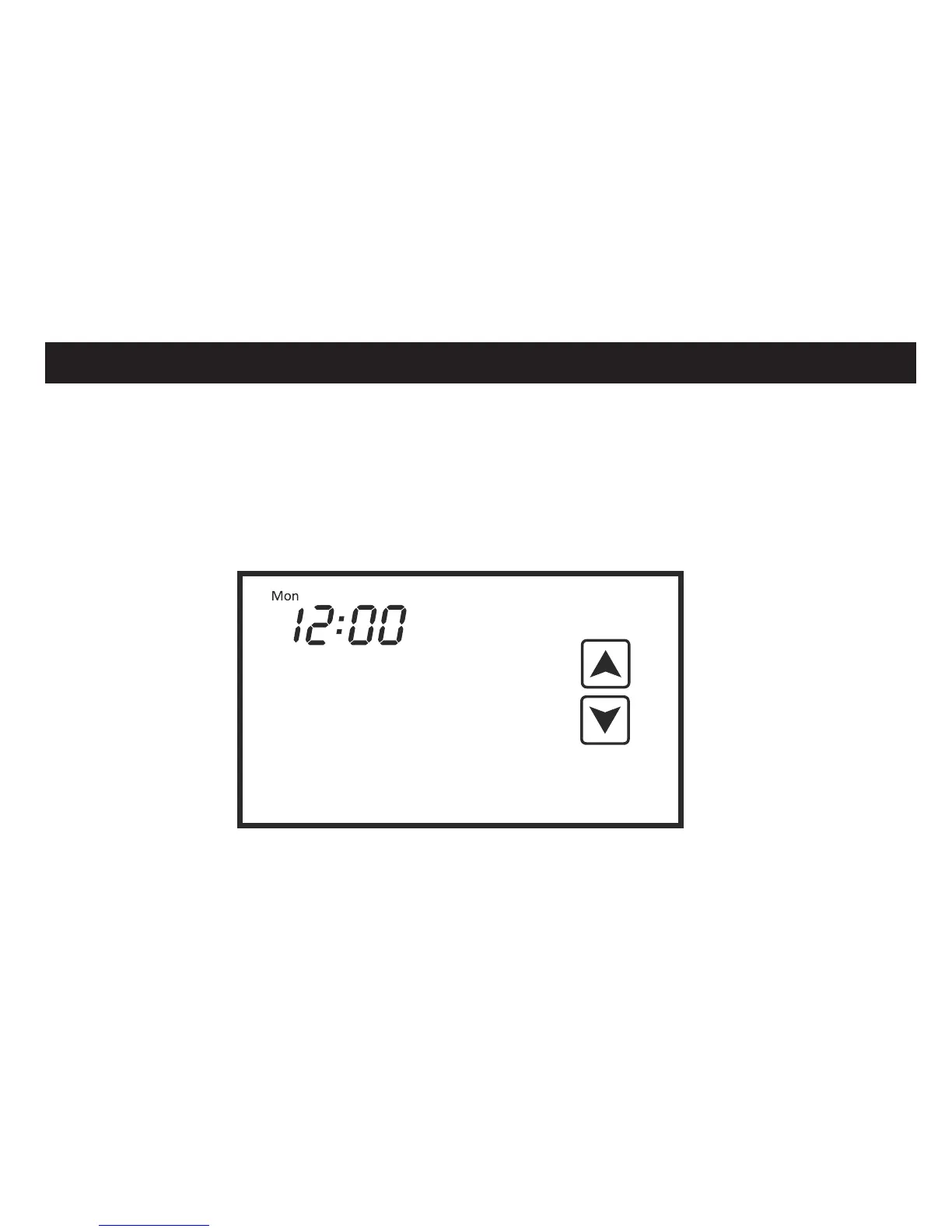
Setting the clock
Touch the clock on the display. The day of the week will flash. Use the UP and DOWN
arrows to adjust the day. Touch the clock again. The hour will flash. Use the UP and DOWN
arrows to adjust the hour. If the time is PM, adjust the hour until the PM symbol appears.
Touch the clock again. The minutes will flash. Use the UP and DOWN arrows to adjust the
minutes. Touch the clock again and the thermostat will resume normal operation.
E
E













 To Next Page