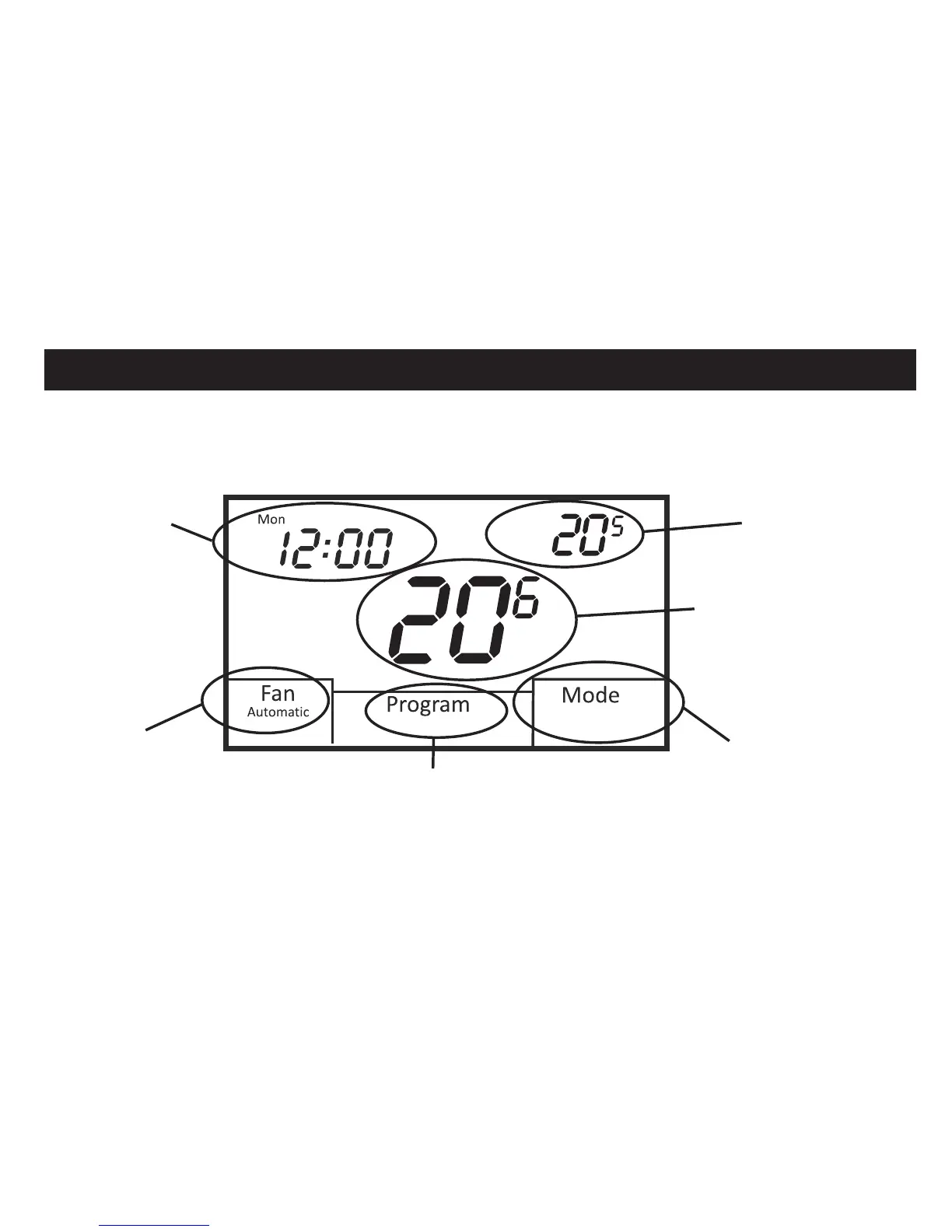
BASIC FUNCTIONS
4
Heat
Heat Set
PM
Day
Time and Day
(only shown in
programmable mode)
Touch to set day and time
Space temperature
(always displayed)
Set temperature
(displayed or hidden based on
thermostat configuration)
Mode
Touch to select
Heat, Cool, Auto,
Off or E. Heat
Fan
Touch to select
Automatic or
Always On
operation
Program
(only shown in
programmable mode)
To simplify use, the 44-800 only displays information relevant to the current mode of
operation. When adjustments are required, the thermostat will display additional functions.













 To Next Page