RESIDENTIAL 7-DAY PROGRAMMING MODE
20
Touch the Program box again and the Morning Cool Set temperature will appear and flash.
Use the UP and DOWN arrows to change the cooling setpoint. Repeat the same steps for
the Day, Evening and Night programs. After the Night Cool Set temperature is confirmed,
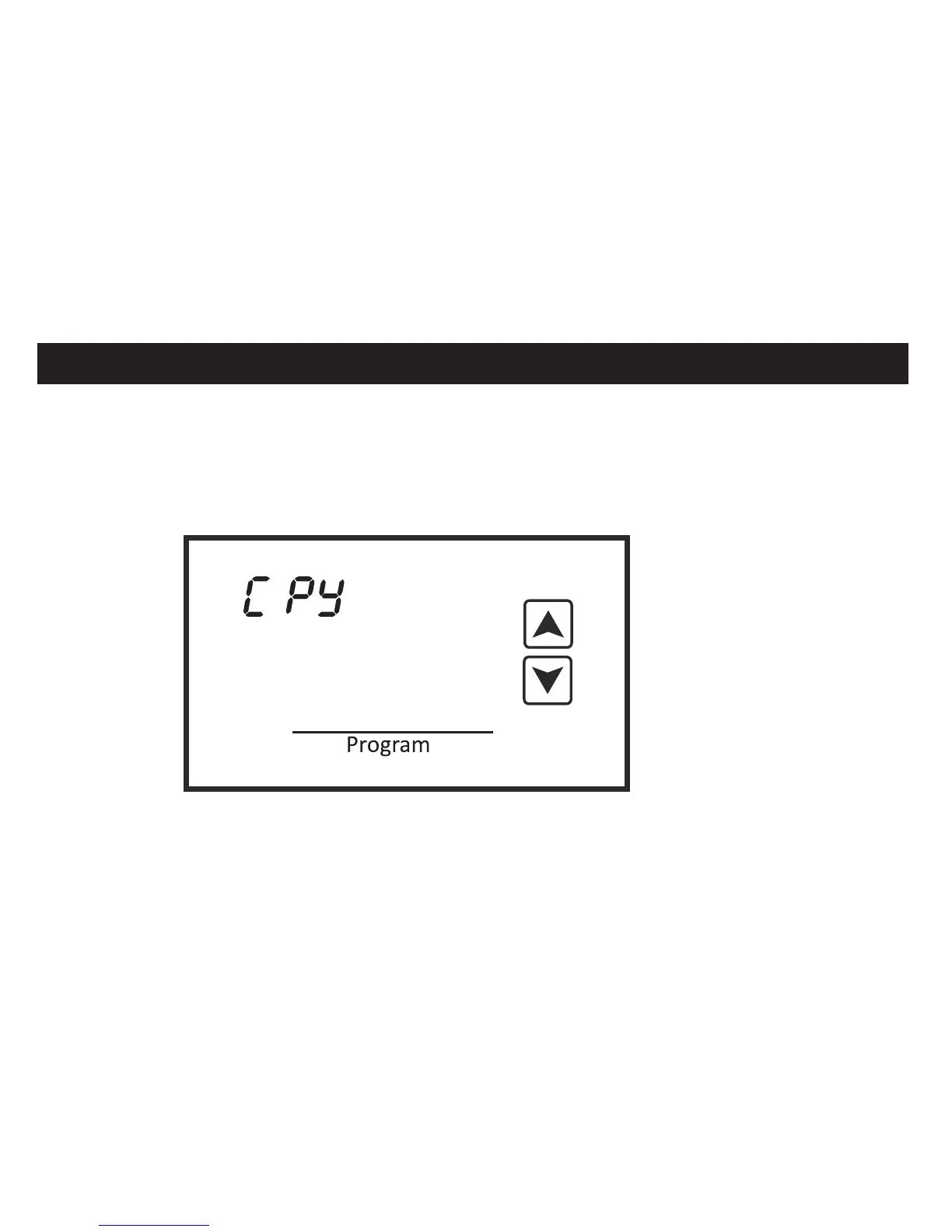
touch the Program box again and the copy symbol will appear. If you wish to copy the
Monday schedule to additional days of the week, use the UP and DOWN arrows to select
E
Mon



 To Next Page