Hussar Robot Chassis Manual
Smart Restaurant Solutions 18
Mapping method:You can turn on the emergency stop switch
and click the button to control the robot, or use the keyboard
arrow keys to control the robot to create a map; you can also
press the emergency stop switc push the machine to create a map
2. After entering "map mode", the machine first turns around to
clear the surrounding feature points. And don't turn it too fast.
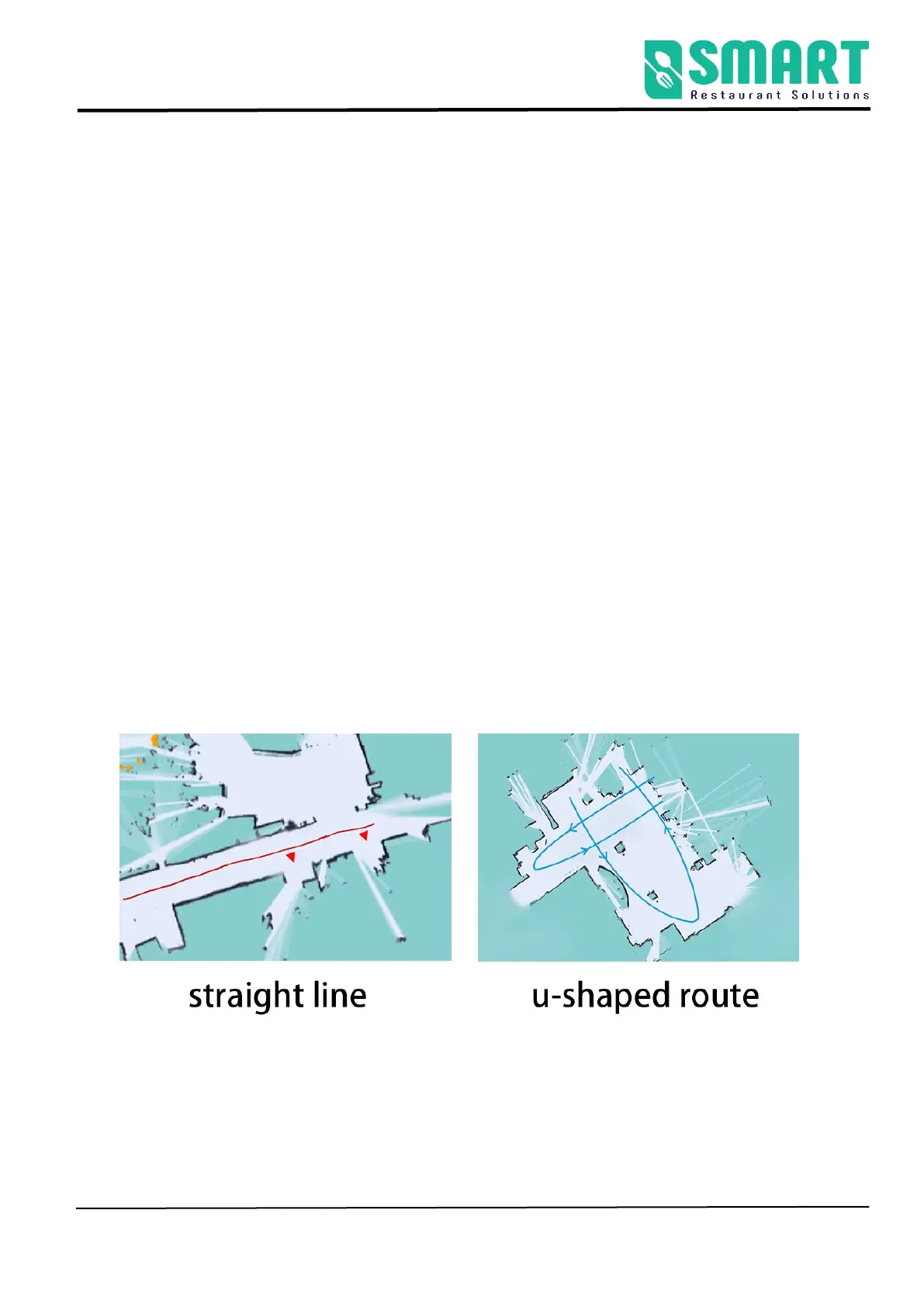
You can push(control) the robot after one turn. You can walk
straight in narrow areas. Pay attention to the gaps during walking.
Slowly turn the robot 90° facing the gaps to clear the feature
points, then slowly turn back to continue scanning; open areas
can follow the U-shaped route, as follows:
3.When pushing (controlling) the machine, pay attention to
whether the laser matches the actual terrain. If it does not match,
stop and wait for a while, wait for the laser to match the actual



 To Next Page