Hussar Robot Chassis Manual
Smart Restaurant Solutions 26
irregular terrain
DRAW LINE: click two positions to draw a straight line between
the positions you click. It is often used in regular terrain or rough
area drawing
ERASER:Circle the virtual wall that needs to be cleared
SAVE: only click Save to save the drawn virtual wall
CLEAR: if you are not satisfied with the current virtual wall, click
the clear button to clear all the virtual walls (you need to click
Save to take effect)
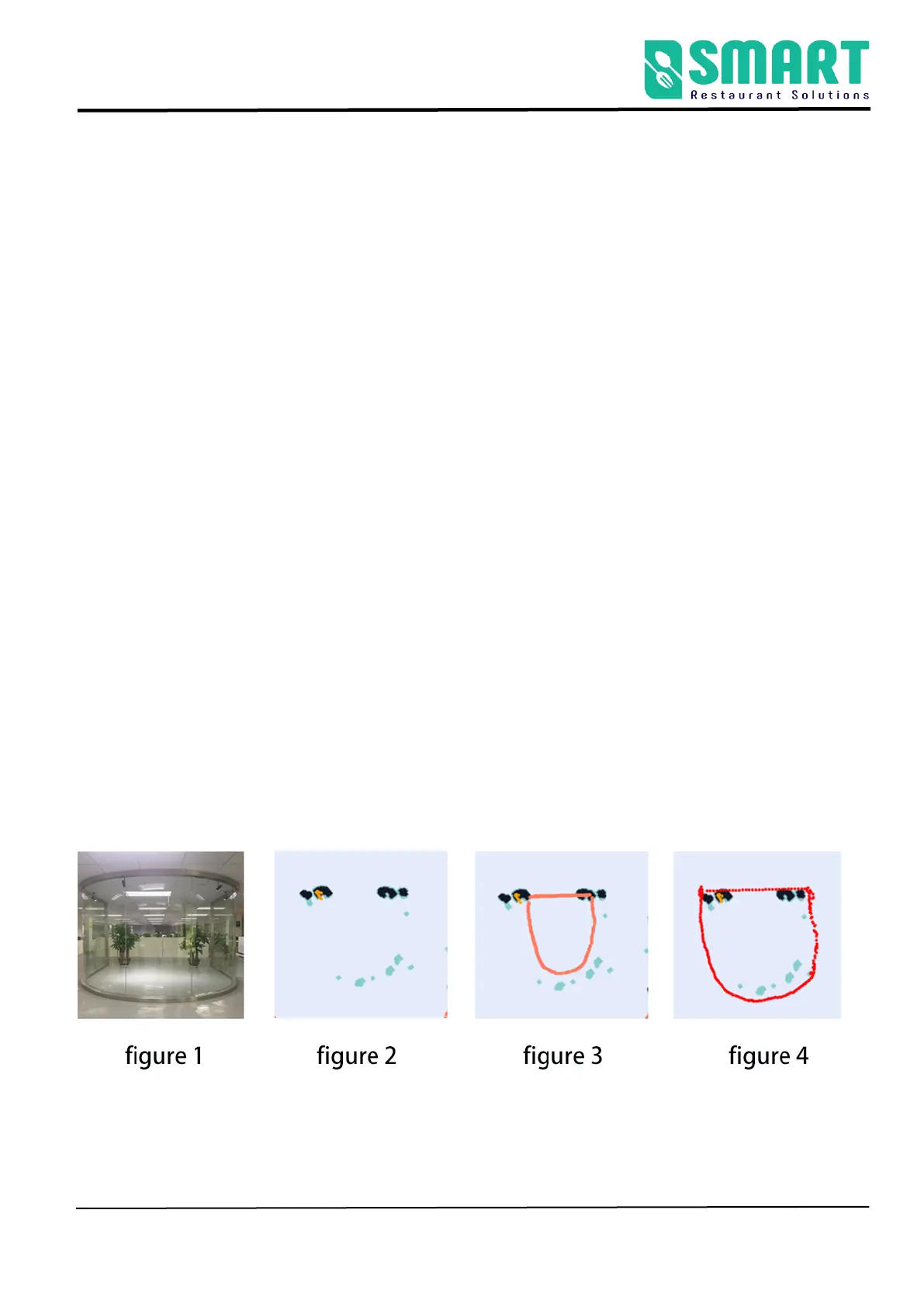
Example: glass wall
Note: the laser can penetrate the glass, so when drawing the
virtual wall, pay attention to the virtual wall outside the glass
figure 1 Actual environment figure 2 Map scanned by laser



 To Next Page