Hussar Robot Chassis Manual
Smart Restaurant Solutions 34
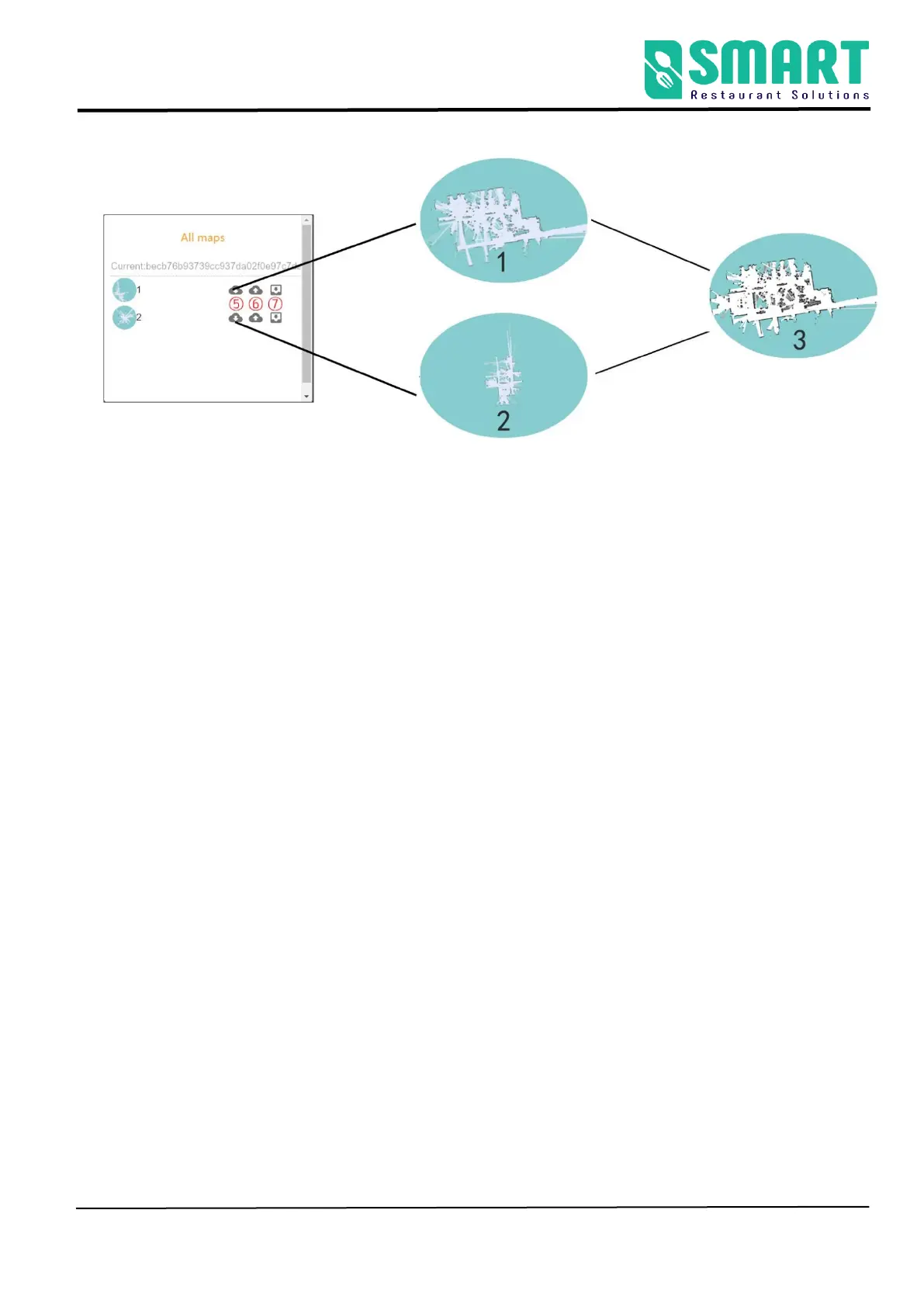
①As shown in the picture above, first export pictures 1 and 2 to
the computer, and then freely choose picture 1 or picture 2 as the
original base map of ps
②Open the Adobe Photoshop , assuming that map 1 is the
original map, splicing map 2 to map 1 to get map 3, import map 3
(pgm format) into map 1, and then click "in Figure 1" create new
map" (the generated new map will be automatically downloaded
to the computer), and finally go to the "Map " to upload the
generated map, last, go to the "All Maps" to find the Map 1
application.
pay attention to:
When multiple maps are stitched together, a relatively good map
should be selected as the original undermap, and the other
pictures are stitched together on the original picture, which



 To Next Page