smarttech.com/kb/171866 8
Chapter 2 Installing and connecting
your camera
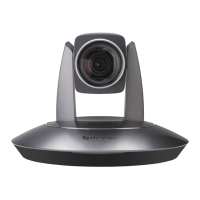
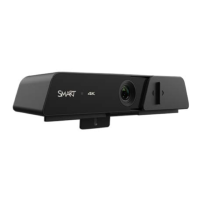
You or your organization’s installers can install the camera on a supported SMART Board interactive
display’s following the camera’s installation instructions: SMARTUltra HDCamera illustrated installation
instructions.
Caution
Do not install or remove the camera while the display is turned on. Ensure the power switch on the
back of the display is in the OFF (O) position. The switch is located beside the AC power inlet.
For a list of SMART Board interactive displays in which you can install the camera, see
Supported SMART
hardware
on page7.


 To Next Page