Chapter 3 Enable your camera
smarttech.com/kb/171866 9
Chapter 3 Enable your camera
Once the camera is installed, enable camera mode to use it on your display.
1. Ensure your display is turned on.
2.
On the main screen of your display, select Apps.
3.
Select Camera from the available apps.
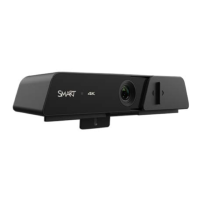
Tip: For the best picture, and effective remote control operation, ensure that the camera cover slider is
slid all the way to the right.


 To Next Page
 Loading...