17
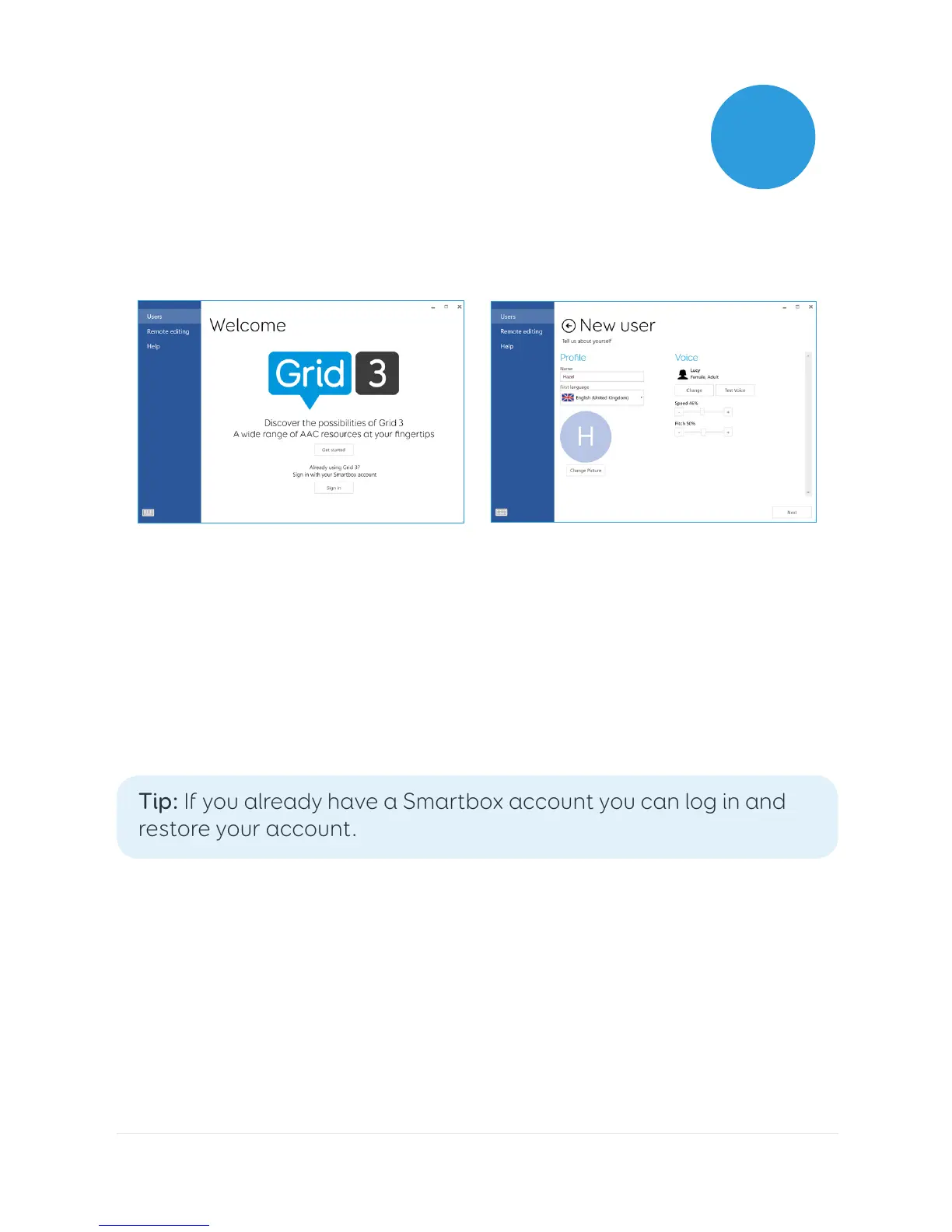
Once Grid 3 has loaded, tap Get Started to create your account
and then follow the instructions on the screen.
Grid 3 comes with a selection of voices for you to choose from. You
can adjust the speed and pitch of each voice to suit your needs.
Your Smartbox Account
On the next screen you can create a Smartbox Account. This
enables you to use features such as remote editing and syncing
between devices.
Tip: If you already have a Smartbox account you can log in and
restore your account.
2.2
Creating your user account



 To Next Page