28
3.3
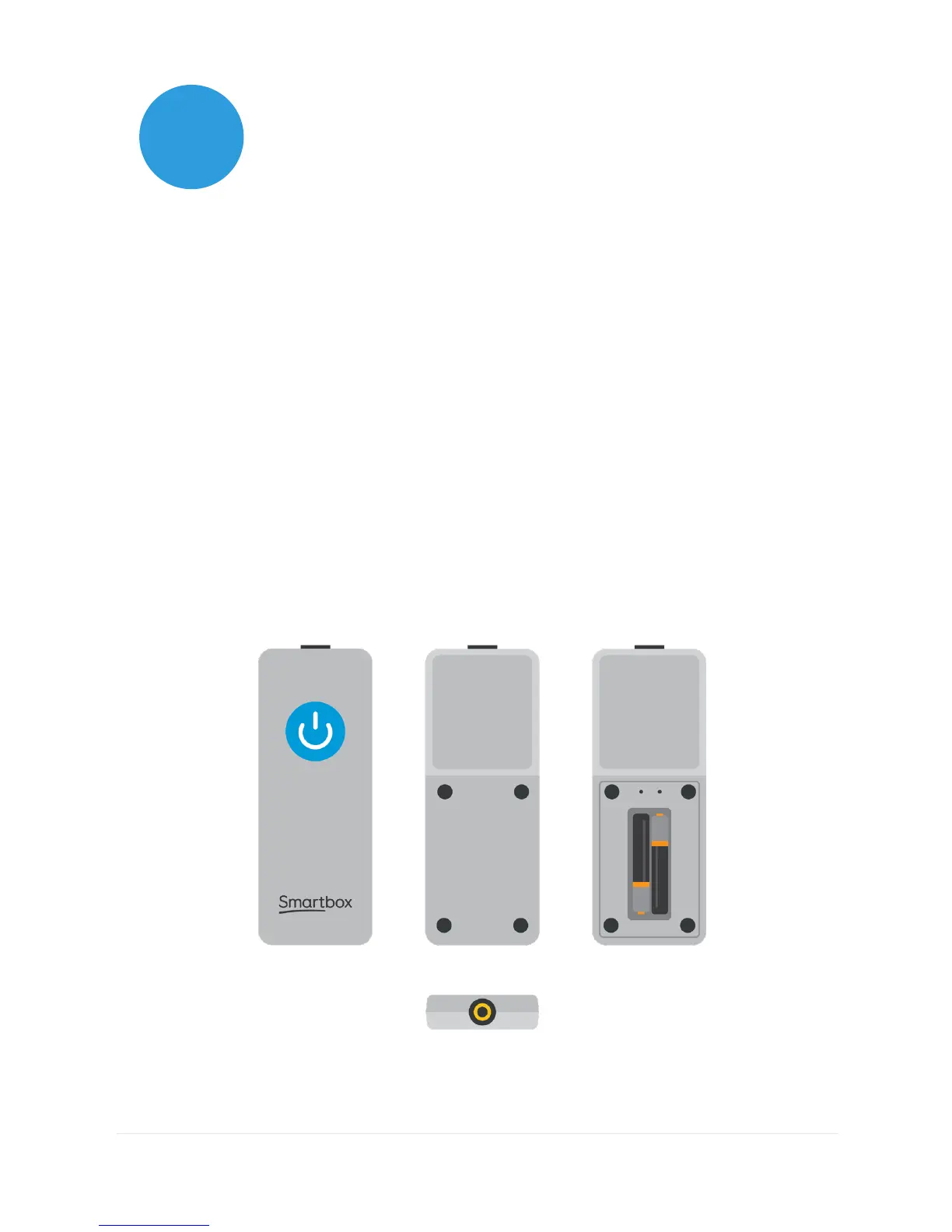
The remote power button
Your Grid Pad comes supplied with a remote power button. This is
designed to enable anyone to turn on their device either using the
built in button or a separate switch.
Setup
The remote power button will already be paired with your Grid
Pad. To use the remote power button, remove the battery cover
on the back and insert two AAA batteries. If you do not intend
on using the remote power button, or need to store it for a long
period, we recommend that you remove the batteries.



 To Next Page