34
3.6
Audio and speech
Your Grid Pad has two main speakers, designed to make your sure
your voice can be heard in any environment.
The device also has a headphone port, which can be used for
personal audio. This is called audio feedback and can help you
navigate Grid 3 by reading out labels, words, and actions while
you communicate.
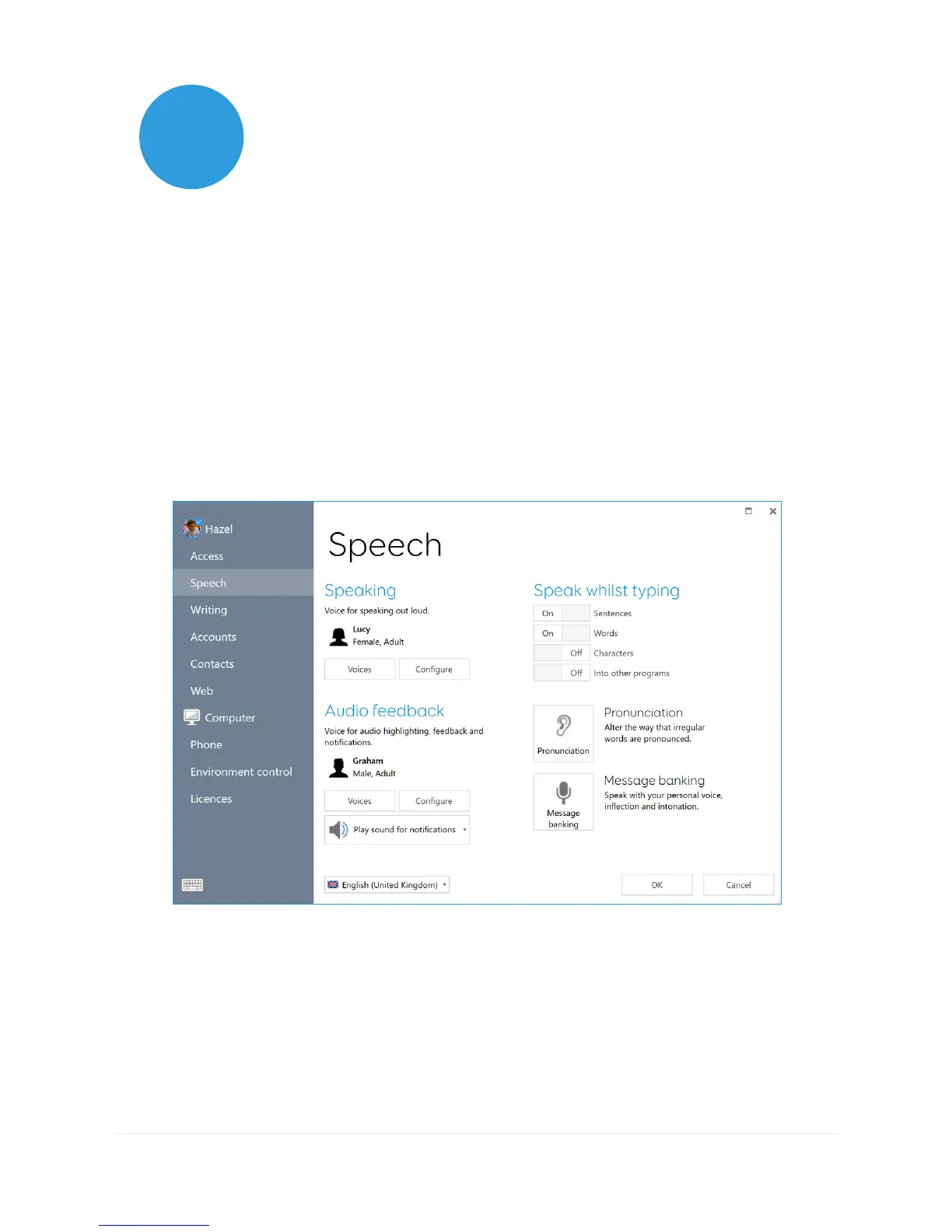
The audio settings in Grid 3 are found under Settings – Speech.
Speaking
Under Speaking you will find settings for the to the voice projected
from your Grid Pad.
Here you can choose from a selection of voices that are included



 To Next Page