49
4.4
Keyboard and mouse
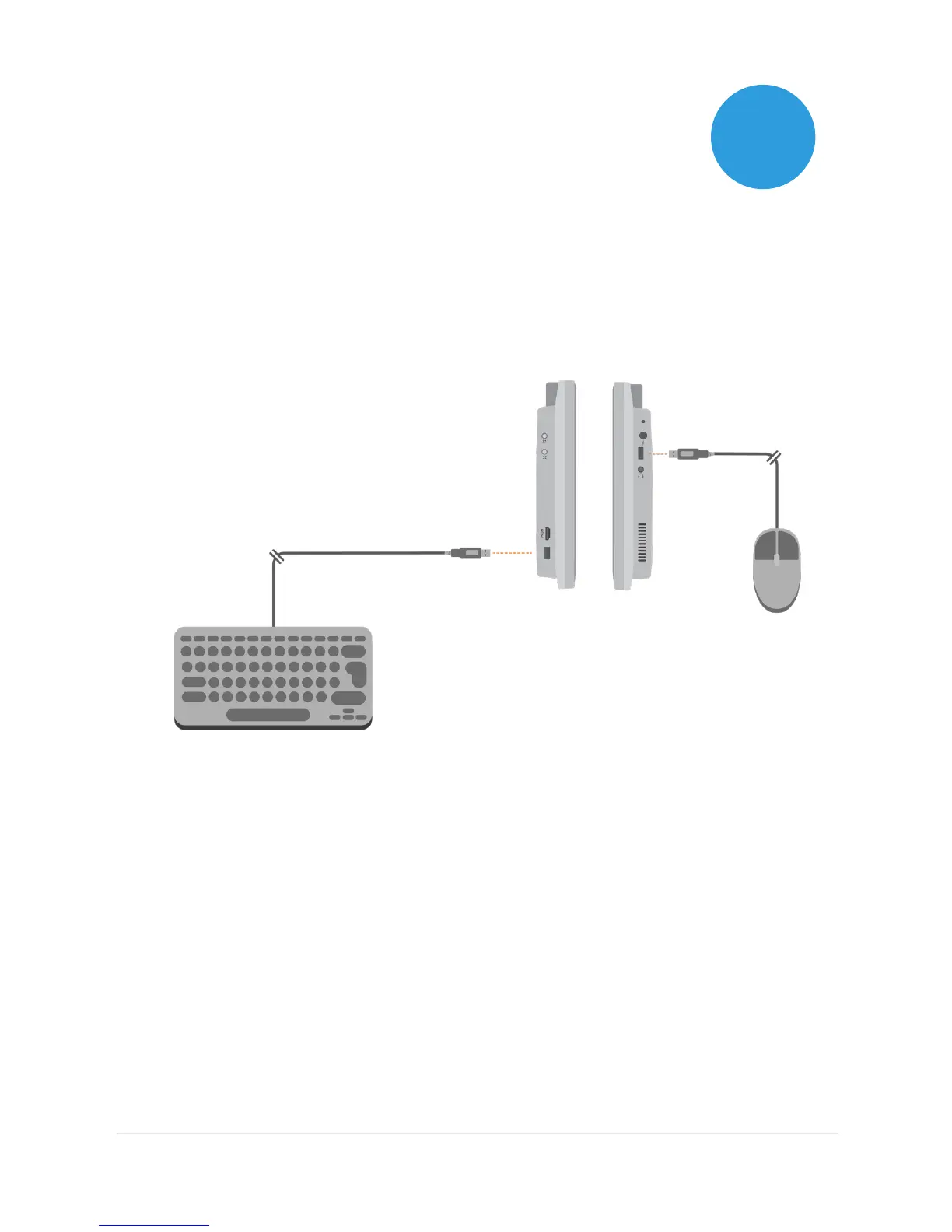
You can connect a keyboard and mouse to your Grid Pad using
either the USB ports or via Bluetooth. To use a wired device, simply
plug it in to one of the USB ports found on the side of the Grid
Pad. USB keyboards and mice will automatically be detected in
Windows.
To connect a Bluetooth keyboard or mouse, make sure that
Bluetooth is switched on and follow the pairing instructions
provided with your keyboard or mouse.



 To Next Page