44
4.1
Switch access
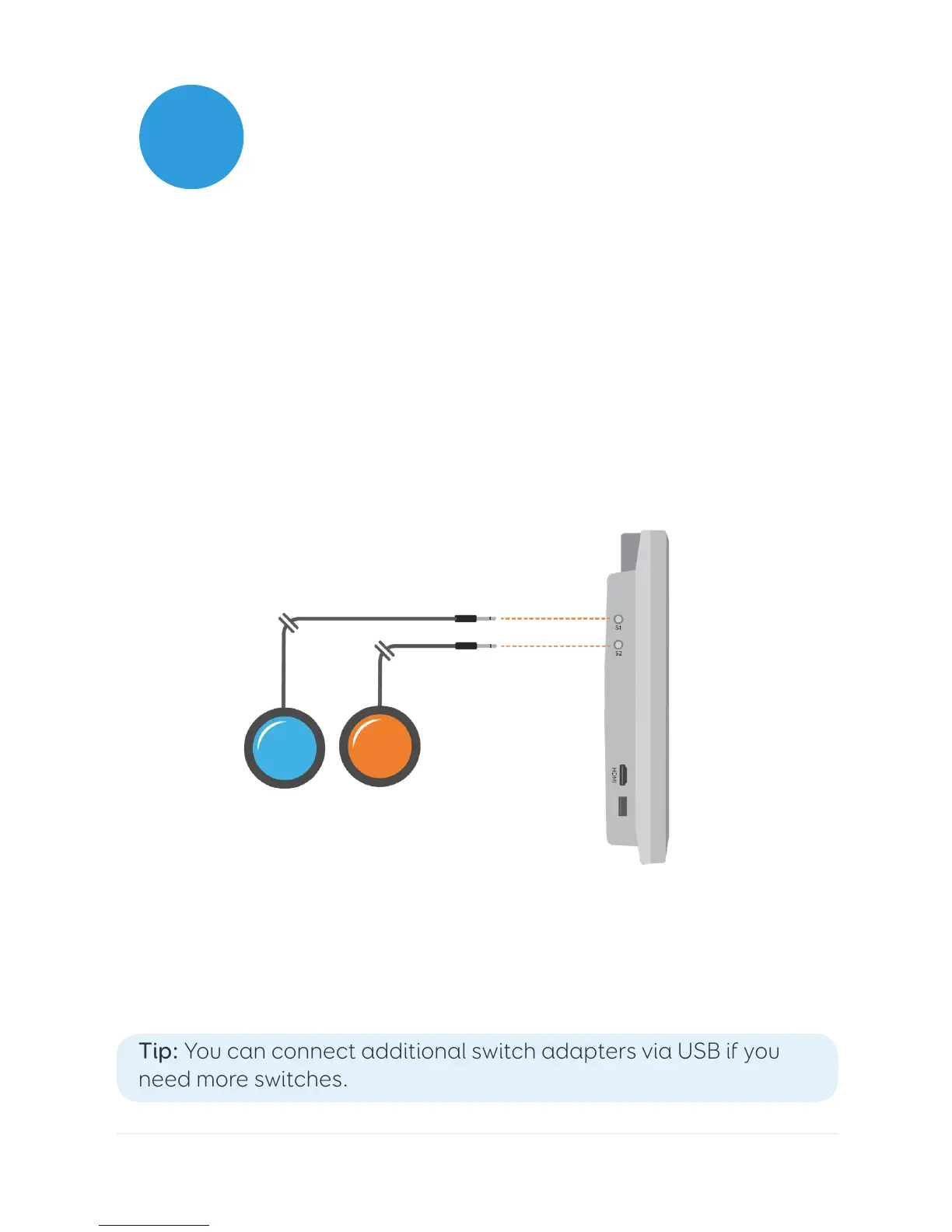
Grid Pad has two 3.5mm sockets that you can use to connect a
variety of switches to your Grid Pad. There are different options
available to customise how you navigate Grid 3, using one or two
switches.
Connection
To connect a switch to your Grid Pad, plug its 3.5mm jack into one
of the switch sockets on your Grid Pad. (These are labelled S1 and
S2 respectively).
Once connected, open Grid 3 and go to Settings – Access –
Switches. Selecting Connection under Configuration will display a
list of potential switches. Activate your switch and it will highlight
in green.
Tip: You can connect additional switch adapters via USB if you
need more switches.



 To Next Page