29
Using the remote power button
Press the power button once to turn your Grid Pad on or wake it
from sleep.
Press and hold the button for 5 seconds to force the Grid Pad to
shut down. Note you may lose work and unsaved changes!
Attaching an additional switch
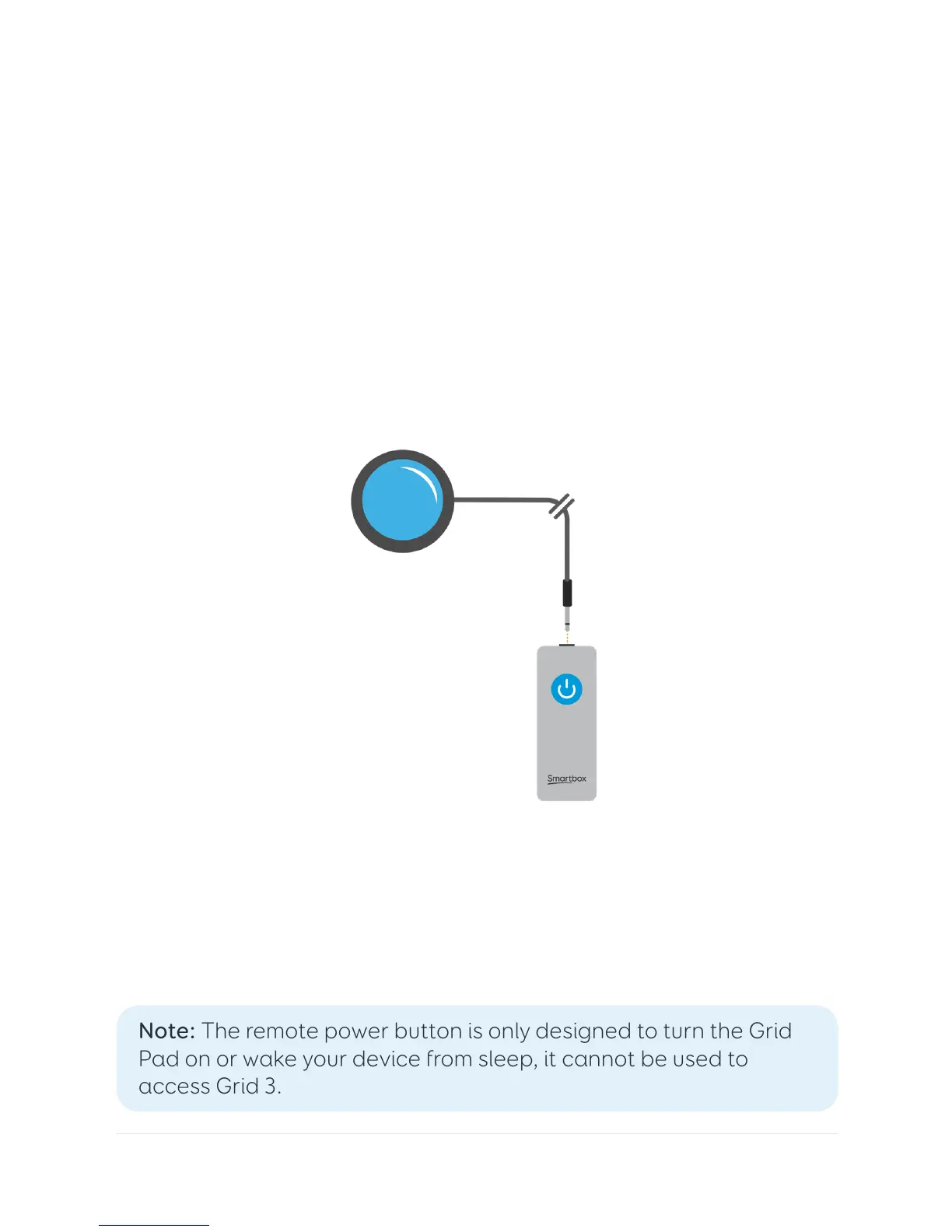
The remote power button has a built in 3.5mm jack. You can use
this to attach a compatible switch to turn your Grid Pad on. When
a switch is attached, it will act exactly like the button.
Note: The remote power button is only designed to turn the Grid
Pad on or wake your device from sleep, it cannot be used to
access Grid 3.



 To Next Page