52
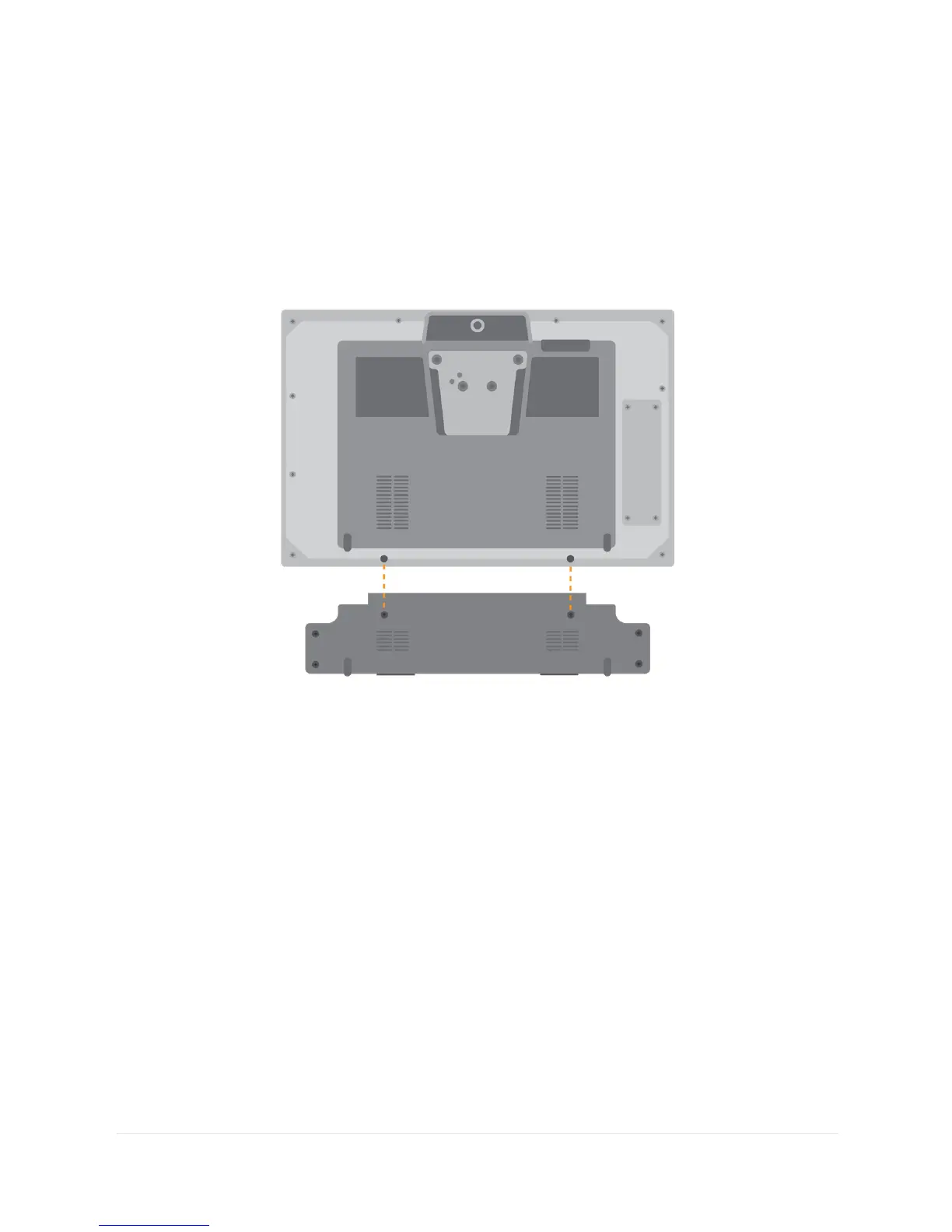
Position the Grid Pad camera unit to align the screw holes with the
holes on the underside of your Grid Pad.
Attach the Grid Pad camera unit with the two provided screws,
and tighten with the included screwdriver, making sure they are
firmly fixed.
Plug the camera’s USB connection into the USB 3.0 port on the
right side of the Grid Pad. Do not use a USB hub or an extender
cable as this may cause the camera to perform poorly.
Place the longer eye gaze stand where the Grid Pad stand used to
be and use the four screws to firmly fix the stand to the Grid Pad.
Depending on the camera that is inside the camera unit, you may
need to install the appropriate software.



 To Next Page