FireFly User Guide 16
16
FireLite User Guide
This chapter describes some of the many uses for FireLite including:
•
Using FireLite between your home and office computers.
•
Using several FireLite drives as project repositories.
•
Using FireLite as an emergency backup when travelling.
•
Using FireLite to transfer large files from one computer to another.
•
Using FireLite to store and play back your multimedia files including MP3s,
videos, and pictures.
•
Using FireLite as a Macintosh boot disk so you can have a familiar
environment using any Macintosh computer.
Between your Home and Office Computers
Your FireLite is an ideal solution for working between your office and home computer.
Take the FireLite with you when you leave and all your work files and applications are
there for you when you need them. You don’t have to carry your laptop to and from
work anymore.
Version Control
Version control of files has always been a major problem for home and office workers.
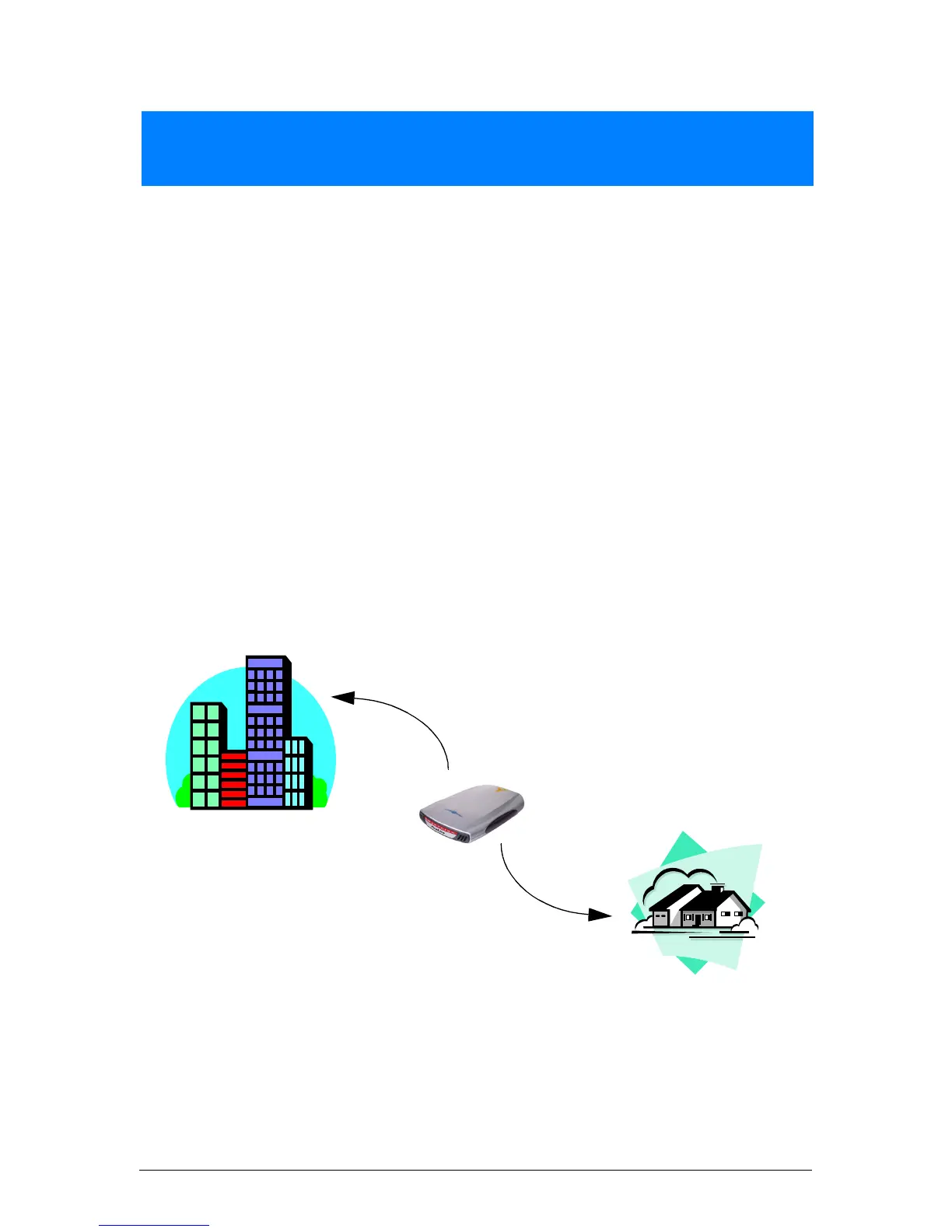
To solve this problem, use your FireLite as the
Master Drive
.
Getting the Most Value out of FireLite
4
Use FireLite as the Master Drive on
both your home and office computers to
maintain version control.


 To Next Page