Emergency Backup when Traveling
20
FireLite User Guide
Archive
Once a project is completed, archive the contents of the associated
Project Drive
to a
CD or other storage device. Delete the files from the
Project Drive
so it can be used
for a new project.
Emergency Backup when Traveling
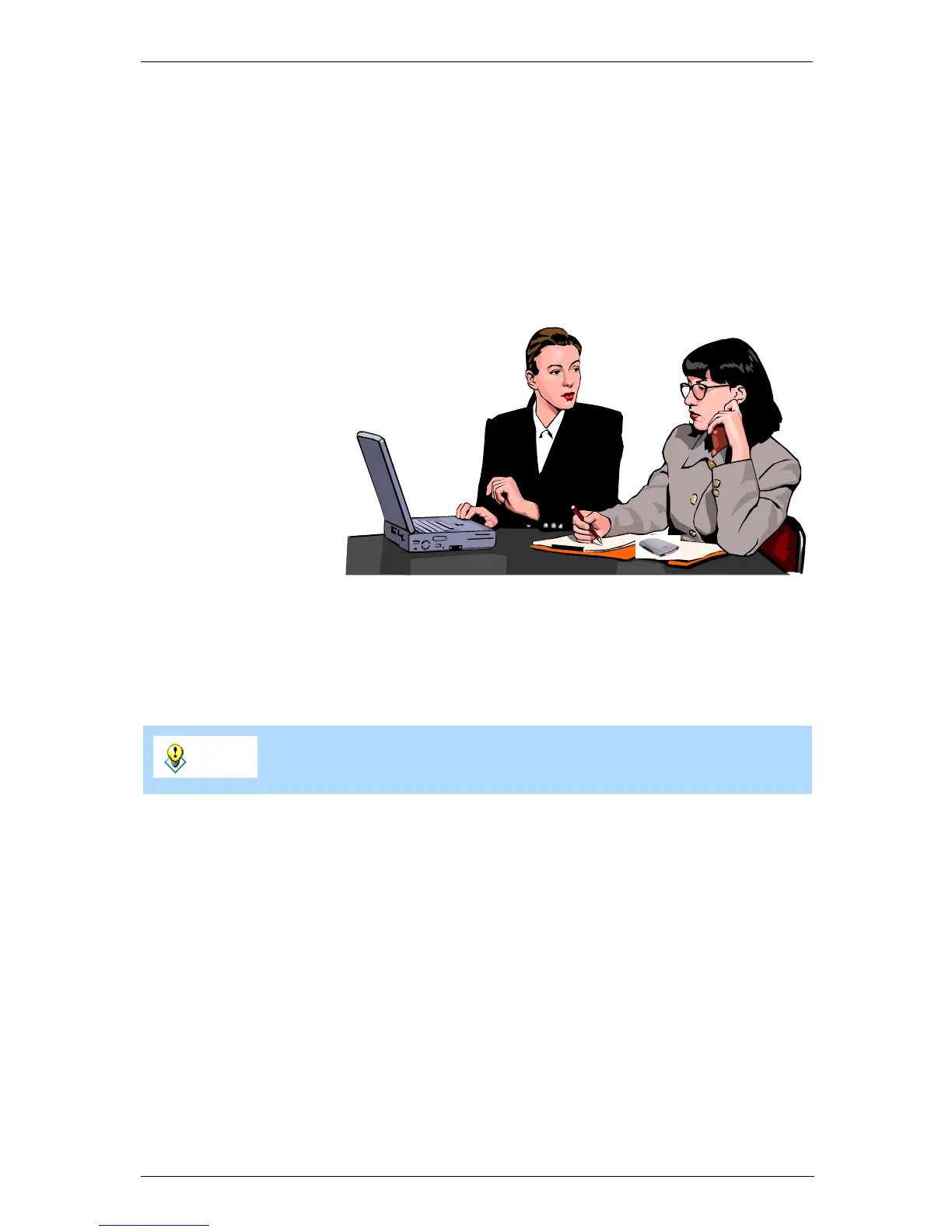
Use your FireLite to back up important files when you are travelling. FireLite can
then be used to recover the file if your laptop malfunctions.
Copy Files and Data Frequently to FireLite
If you are generating new files and data while traveling, frequently create backups to
FireLite. You can copy entire folders from your laptop to FireLite.
Recovery
If your laptop malfunctions, your file and data is safe; everything is stored on FireLite.
If you are on the road, all you need is access to a computer that has a FireWire
connection to retrieve your files.
Archive
When you get back to the office, copy the files from the FireLite to a CD-R or CD-RW
using SmartDisk’s FireWire Portable CD-R/W. The CD then becomes the long term
archive.
Tip
Macintosh users can automate this process using the
CopyAgent
application found on the FireLite Software Installation CD.
Use FireLite as an
emergency backup device
when you are on the
road.


 To Next Page