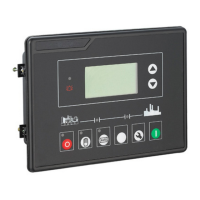
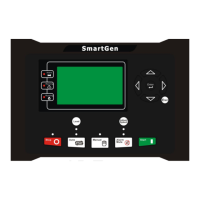
HGM6110/6120 AUTO START MODULE
HGM6110/6120 Auto Start Module ISSUE 2.0 2008-10-27 Page 19 of 24
Num Item Content Remark
3
Level
Sensor
0 Not used
1 Defined curve
2 SGH
3 SGD
4 Reserve
5 Reserve
Defined curve input resistance
range is 0-
is Not used
7.5 CONDITION OF CRANK SUCCEED (TABLE 5)
Num Content
0 Speed
1 Frequency
2
Speed+Frequency
3 Speed + Oil pressure
4 Frequency + Oil pressure
5
Frequency+Speed + Oil pressure
8. SETTING PARAMETER
After the controller is powered up, press the key to enter into the setting
interface:
1 Set Parameters
2 Information
3 Set Language/语言
u Set parameters
The default password is “1234” when it leaves factory. The senior
setting password is fixed as “0318”. When setting each item, after
selecting this item, press the key to enter the setting interface,
then press the key or to adjust the numerical value, press
the key to move the cursor, finally press the key to confirm
the set parameter.
NOTE:
a. Please set parameters in stop mode, else shutdown or other



 To Next Page
 Loading...