20 • ENGLISH
MEMORY FUNCTIONS
Recalling Measurements in Memory
This monitor stores and recalls up to 60 readings per
user. These measurements can be shared with your
physician or trained healthcare professional.
1. When the unit is OFF, press and release the M
button to select a memory bank. Then press the
POWER button to toggle between user 1 or 2.
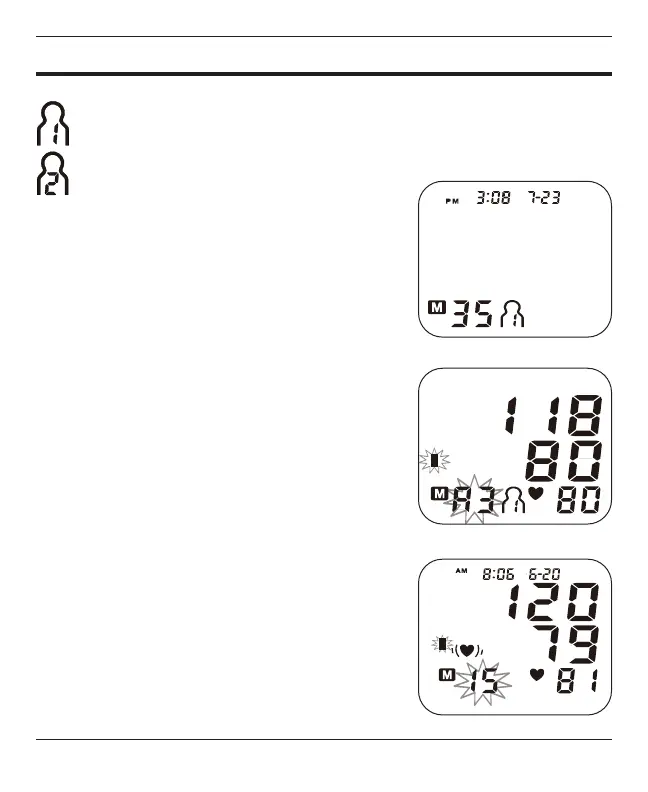
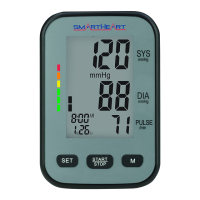
The display will rst show the total measurements
in that bank, Fig 1.
2. Press the M button and the display will show the
average of the last three measurements, Fig 2.
3. Press the M button again to begin scrolling
through the saved measurements. Measurements
will appear on the display from most current to
oldest; the memory number will appear ashing at
the bottom of the screen next to the measurement
that was taken.
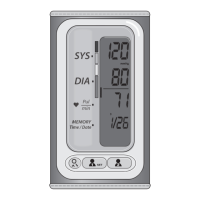
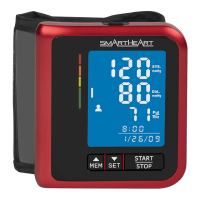
4. All results for a given measurement will display,
including measurement results, pulse rate,
Hypertension Indicator and Irregular Heartbeat
alert (if applicable). The date/time stamp is on the
top of the display, Fig 3.
Fig. 2
Select the desired user, 1 or 2, before memory review.
The user icon displayed represents the memory bank where the measurement
result was stored.
Fig. 1
Fig. 3



 To Next Page