User Manual
103
Note:
The advanced wireless setting is only for the advanced user. For the common
user, do not change any settings in this page.
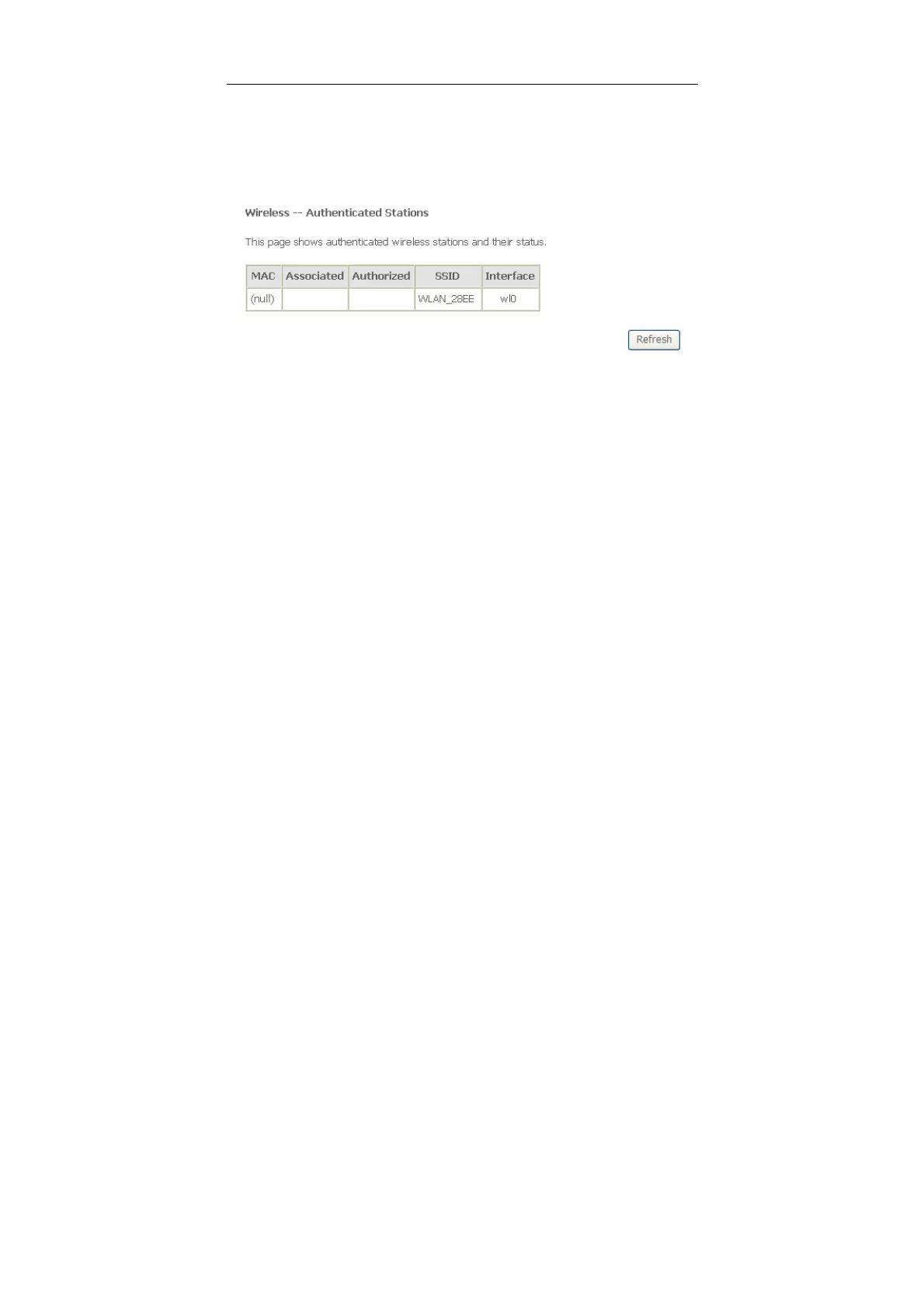
5.3.6 Station Info
Choose Wireless > Station Info to display the following page.
This page shows the authenticated wireless stations and their status.
5.4 Diagnostics
5.4.1 Diagnostics
Click Diagnostics > Diagnostics, and the following page appears.
This page is used to test the connection to your local network, the connection to
your DSL service provider, and the connection to your Internet service provider.
You may diagnose the connection by clicking the Test button or click the Test With
OAM F4 button. If the test continues to fail, click Help and follow the
troubleshooting procedures.


 To Next Page