User Manual
13
After logging in to the DSL router as a super user, you can query, configure, and
modify all the settings, and diagnose the system.
5 Web-Based Management
This chapter describes how to use Web-based management of the DSL router, which
allows you to configure and control all of DSL router features and system parameters
in a user-friendly GUI.
5.1 Device Information
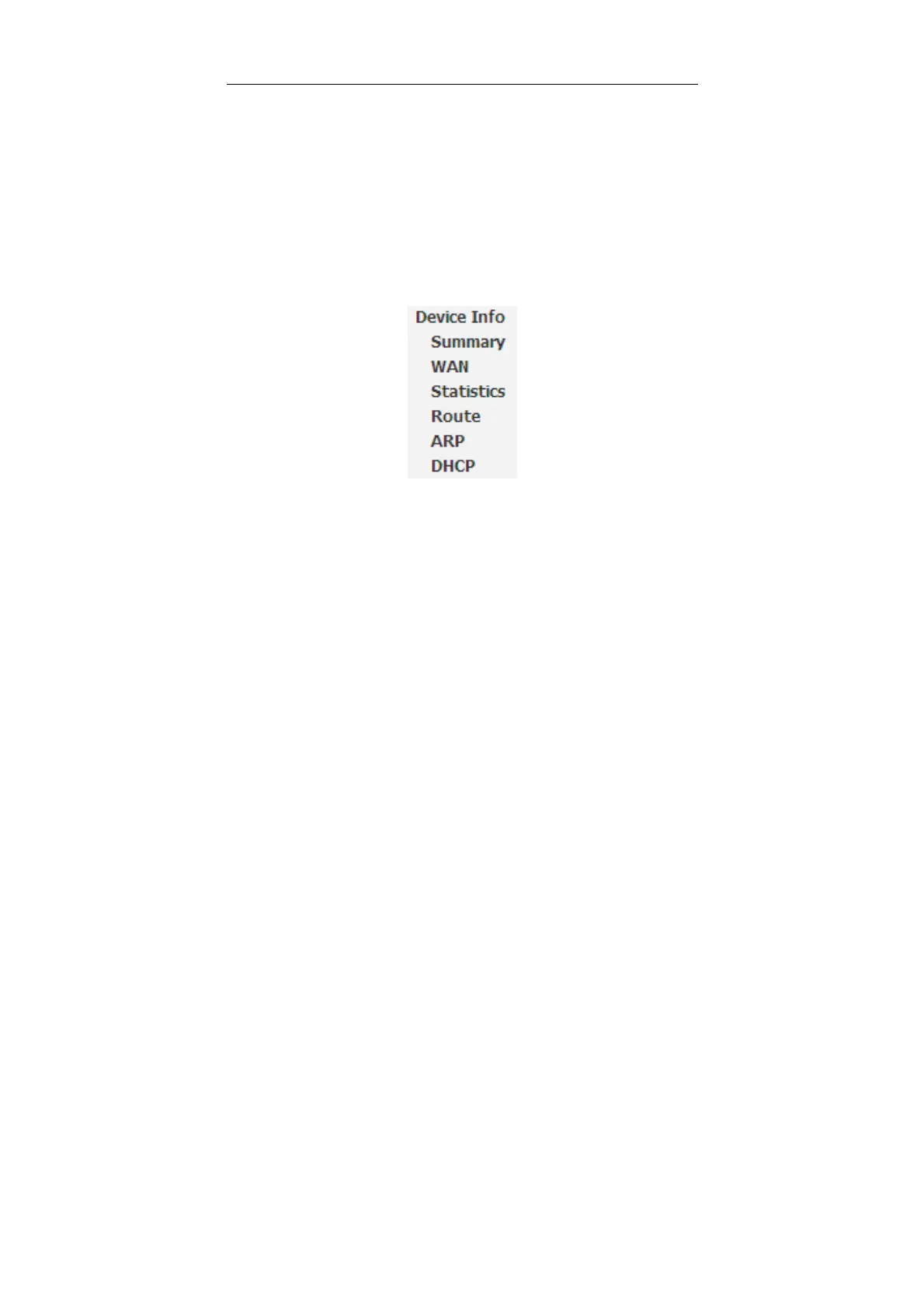
Choose Device Info, and the submenus of Device Info are shown as below:
5.1.1 Summary
Choose Device Info > Summary, and the following page appears.


 To Next Page