User Manual
105
5.5.1 Settings
Backup
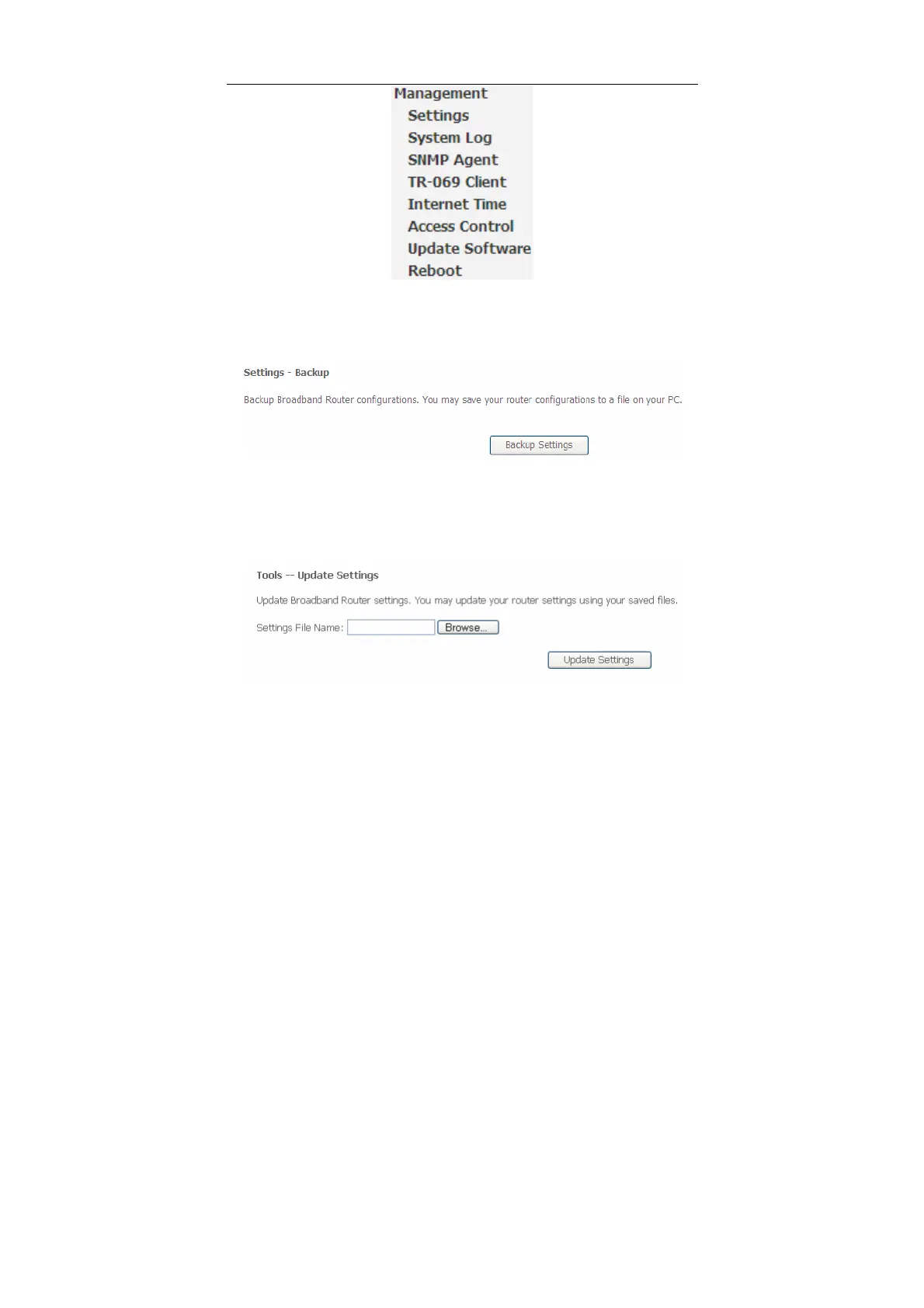
Choose Management > Settings > Backup to display the following page.
In this page, click the Backup Settings button to save your router’s settings to your
local PC.
Update
Choose Management > Settings > Update, and the following page appears.
In this page, click the Browse… button to select the correct new settings file, and
then click the Update Settings button to update the router’s settings.


 To Next Page