User Manual
18
In this page, you can view the statistical information about the recevied and
transmitted data packets of the xDSL interfaces.
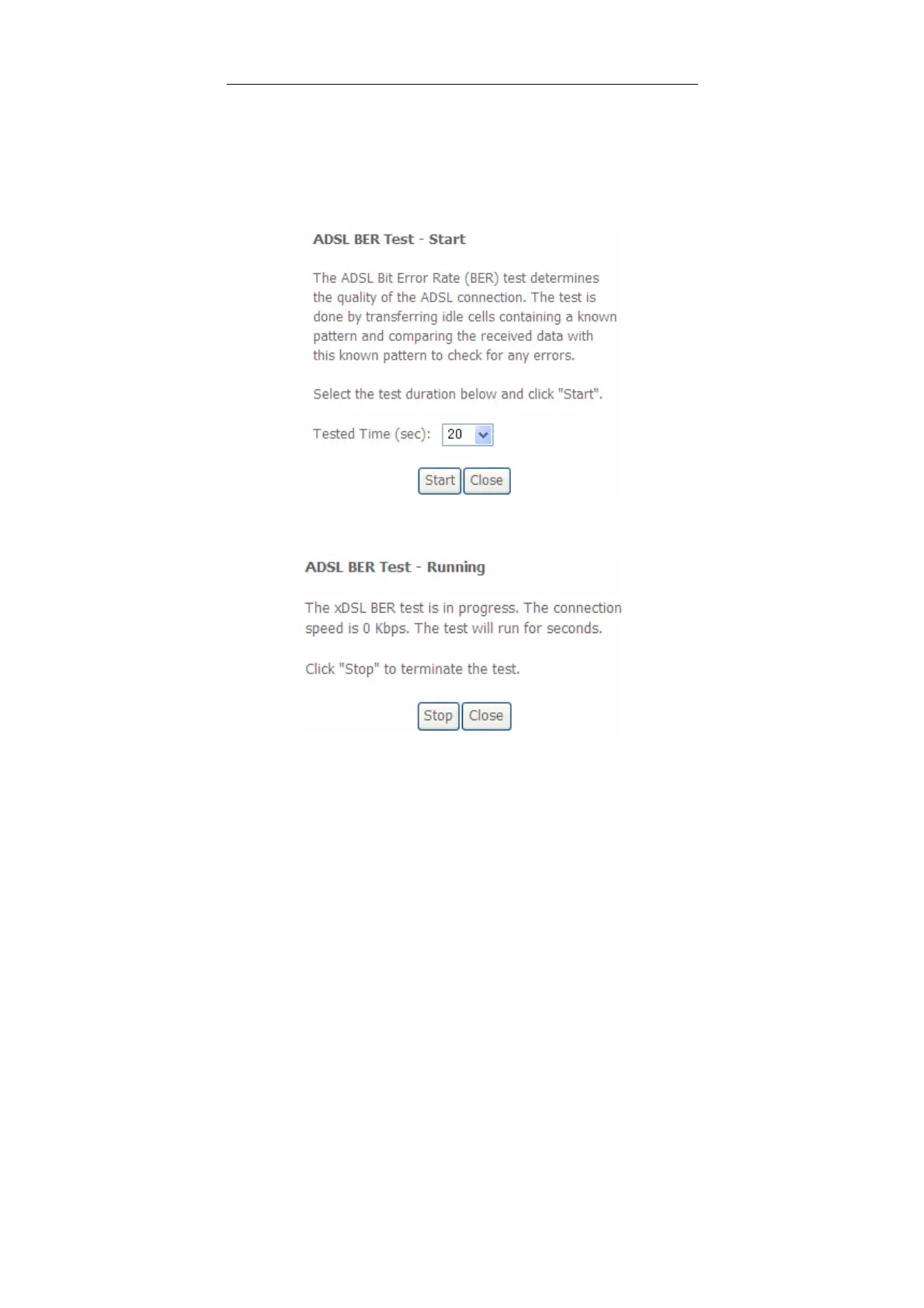
Click xDSL BER Test to test the xDSL Bit Error Rate.
Click Reset Statistics to restore the values to zero and recount them.
xDSL BER Test
Click xDSL BER Test to perform a bit error rate (BER) test on the DSL line. The test
page is as follows:
The Tested Time (sec) can be 1, 5, 10, 20, 60, 120, 180, 240, 300, or 360. Select a
time in the drop-down list and click Start. The following pages appear.


 To Next Page