User Manual
58
Internal Port End: When selecting a service, the port number will
automatically be displayed. You can modify it if necessary.
Step 2 After finishing setting, click Save/Apply to save and apply the settings.
5.2.4.2 Port Triggering
Some applications need some ports to be opened in the firewall for the remote
access. When an application initializes a TCP/UDP to connect to a remote user,
port triggering dynamically opens the open ports of the firewall.
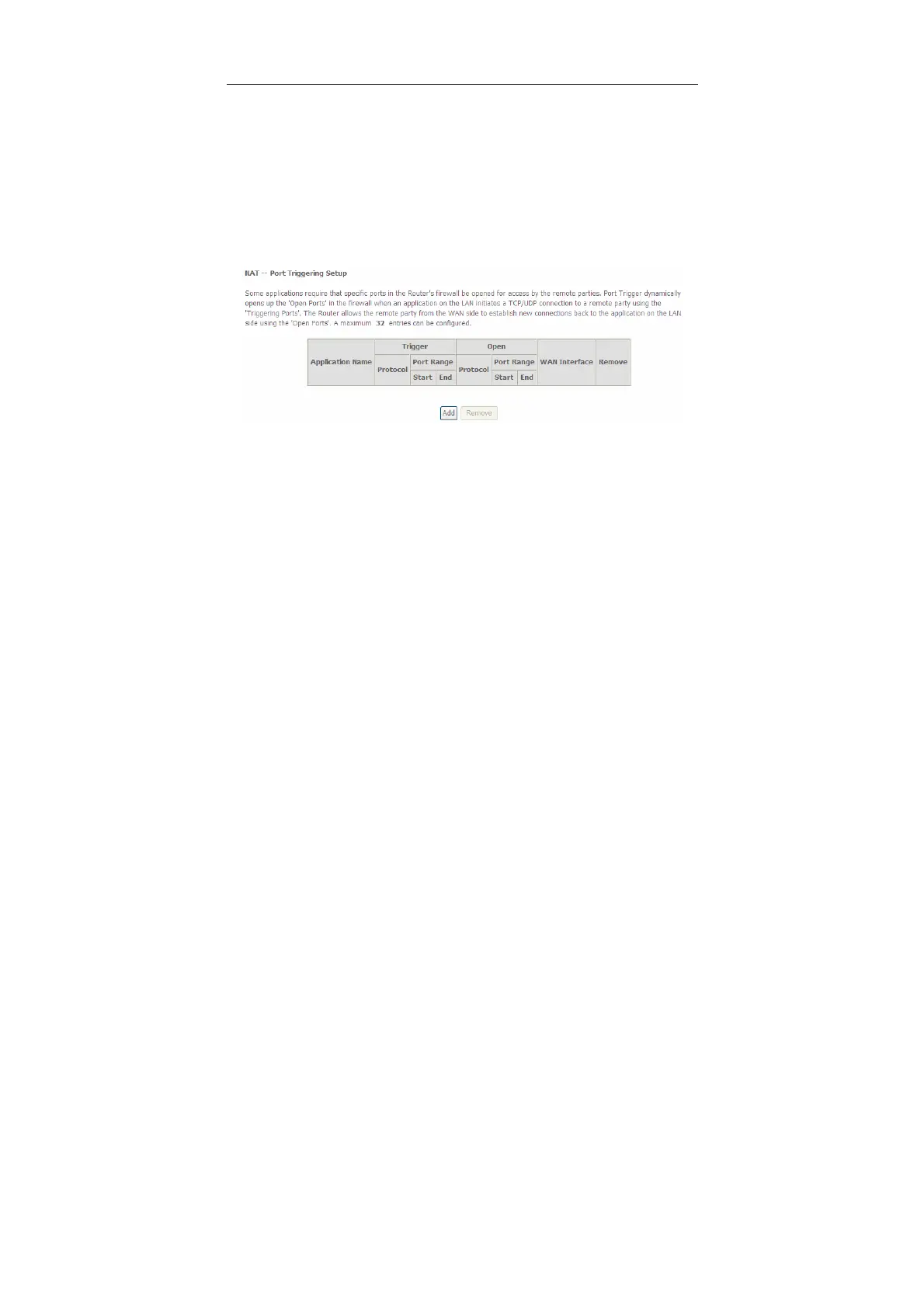
Choose Advanced Settings > NAT > Port Triggering, and the following page
appears.
In this page, you may add or remove an entry of port triggering.
Click the Add button to display the following page.


 To Next Page