User Manual
66
If the Enable Qos checkbox is not selected, all QoS will be disabled for all
interfaces. The default DSCP mark is used to mark all egress packets that do
not match any classification rules.
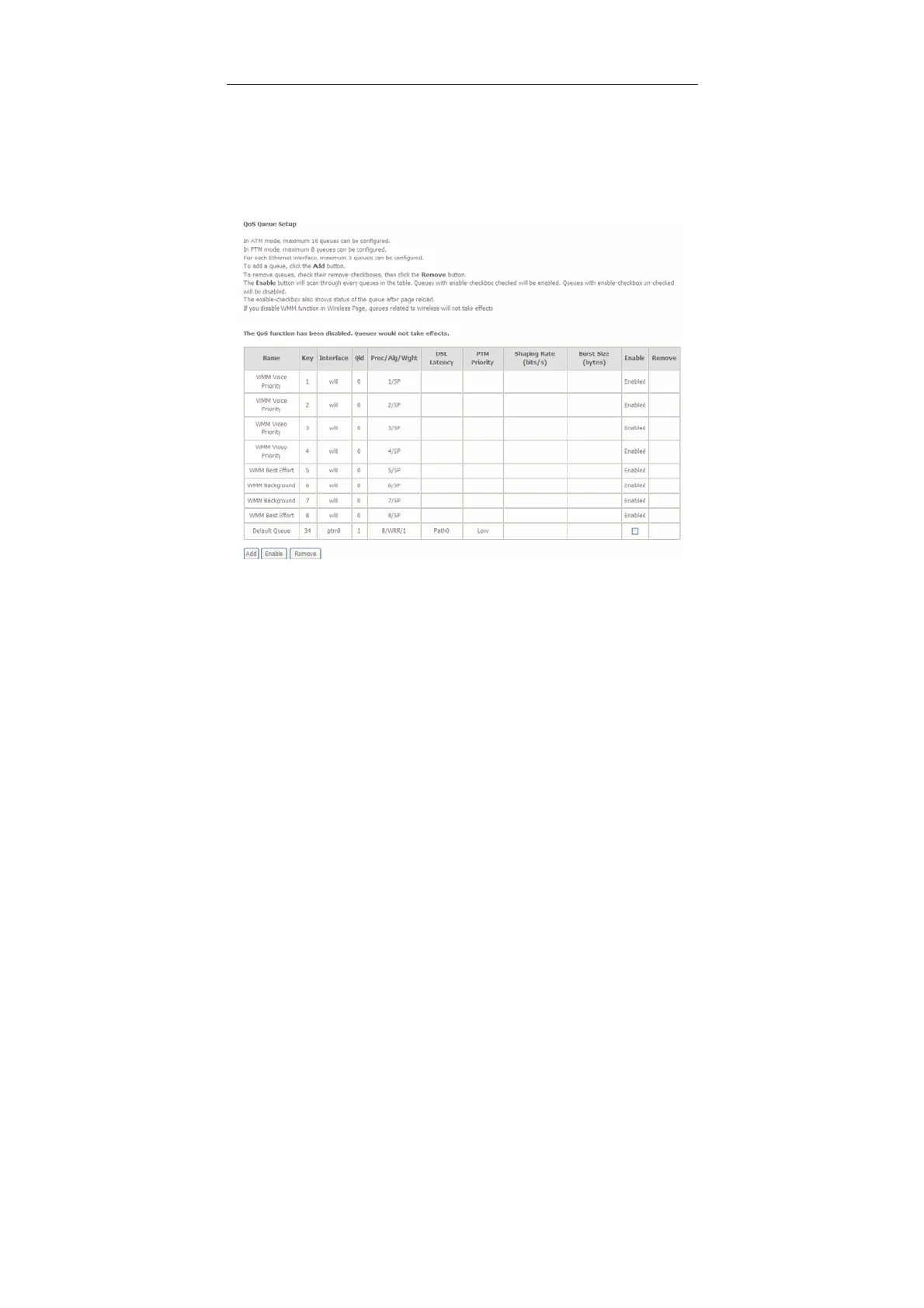
Queue Configuration
Choose Advanced Setup > Quality of Service > QoS Queue, and the following
page appears.
In this page, you can enable, add or remove a QoS rule.
Note:
The lower integer value for precedence indicates the higher priority.
Click the Add button to display the following page.


 To Next Page