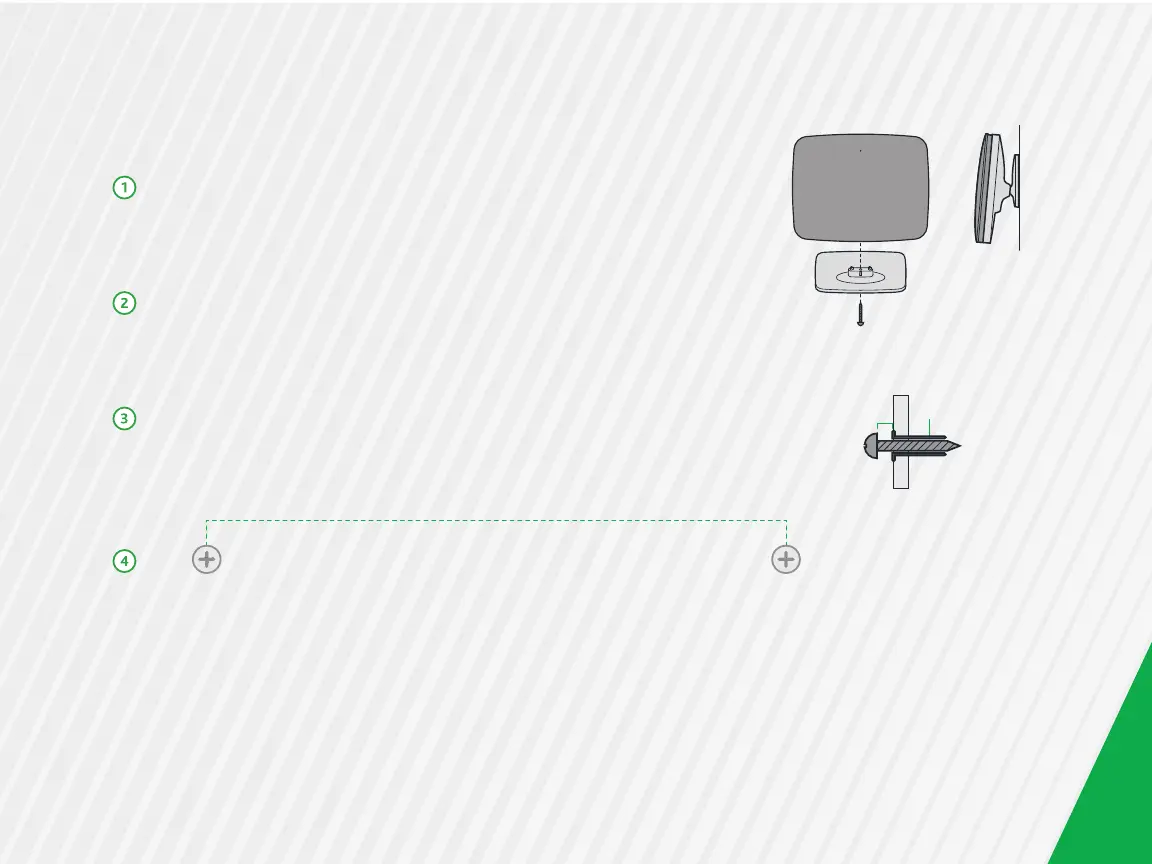
Optional Wall Mount
Using a Phillips-head screwdriver, remove the mount from its
present location on the bottom of the gateway.
Slide the mount onto the back of the gateway. Tighten the
screw located in the bottom of the mount.
Using the template below, mount the two included screws to
the wall. Using screw anchors is recommended.
Slide the back of the mount down on the screws.
1/16” (2-3mm) Screw Anchor
11



 To Next Page