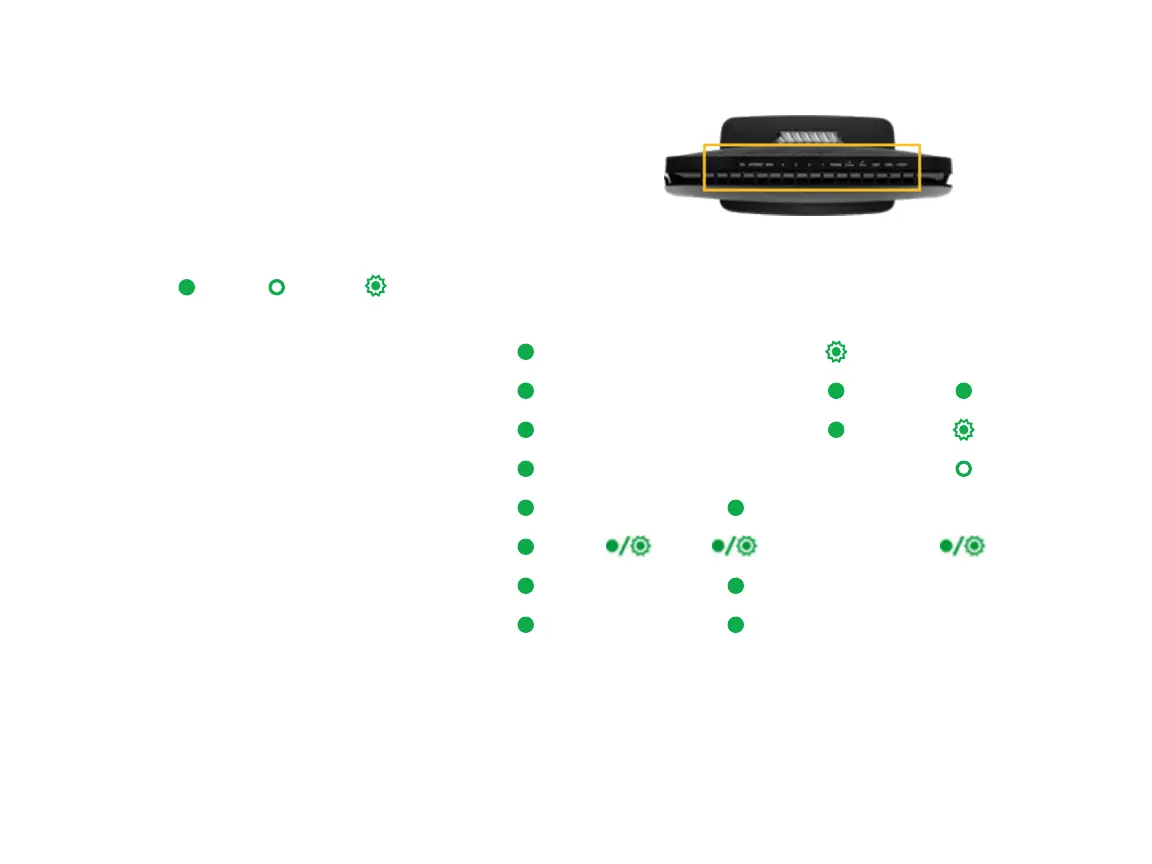
LED Indicators
The LEDs on the SR515ac can assist you in better understanding
the current state of your gateway.
Legend: On Off
Blinking
POWER LAN 1-4 WLAN DSL INTERNET
DSL sync in progress
DSL sync acquired and gateway online
Gateway online and data transfer in progress
IP connection failure
WiFi enabled on modem
PC / network activity / data transfer
WPS Setup procedure in progress
WPS Connection completed successfully



 To Next Page