WiFi Setup
Two methods, WPS and Manual, are available for WiFi setup. Perform the steps on this page first, and then follow
the instructions for the applicable method.
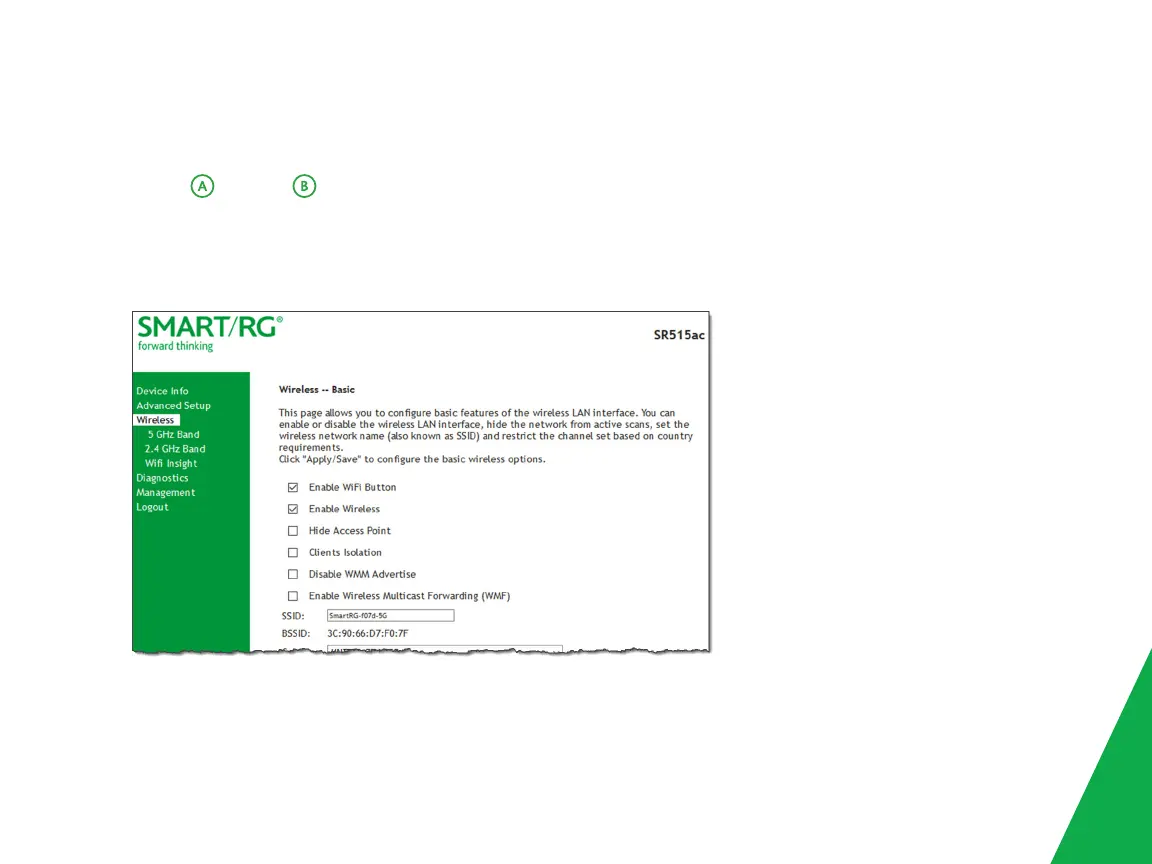
1. In the left menu, click Wireless and then click 2.4 GHz Band or 5 GHz Band. The Wireless > Basic page appears.
The fields are the same for both options. The wireless radio is enabled by default.
2. If Enable Wireless is not selected, select it now.
3. In the SSID field, select the SSID that you want to use.
7



 To Next Page