Execution Icons
Sensor Learn
STATE DESCRIPTION ICON
Confirm Good
9
Cancel Cancels current action.
X
Back Back, Select, Enter, Return to main menu.
Scroll Scroll displayed data or selection.
Warning
Sensor information was not received or sensor
ID has already been designated to a tire
location.
Note: This only applies during Walk- Around
Learn mode.
Sensor
Maintenance
The battery of the tire pressure sensor may be
low.
Unknown
Battery information not received by the tool.
Try again.
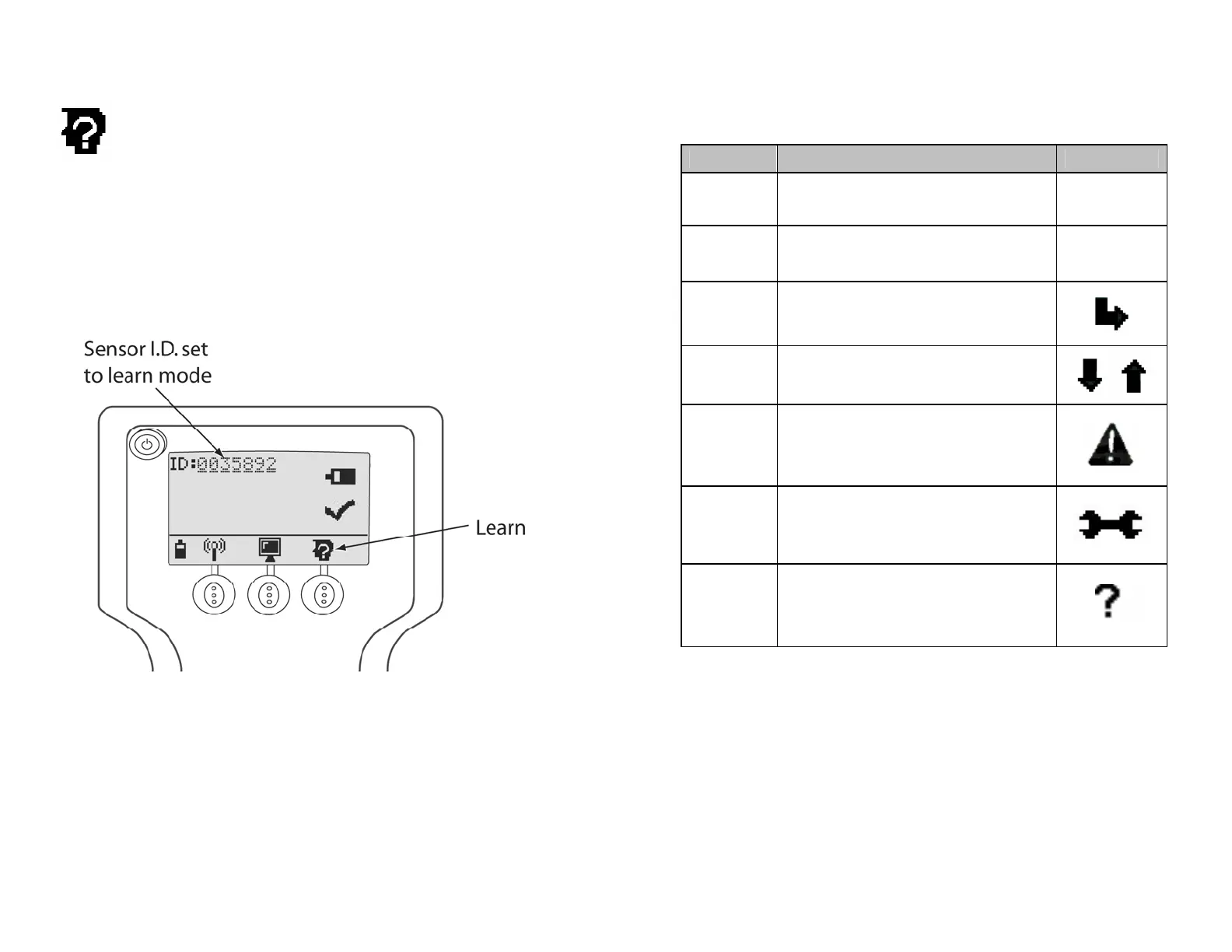
The following is displayed after activating a sensor within sensor LF
range pressing the Learn button.
Information Received From Sensor After Activating Learn
Figure 9
16
15


 To Next Page