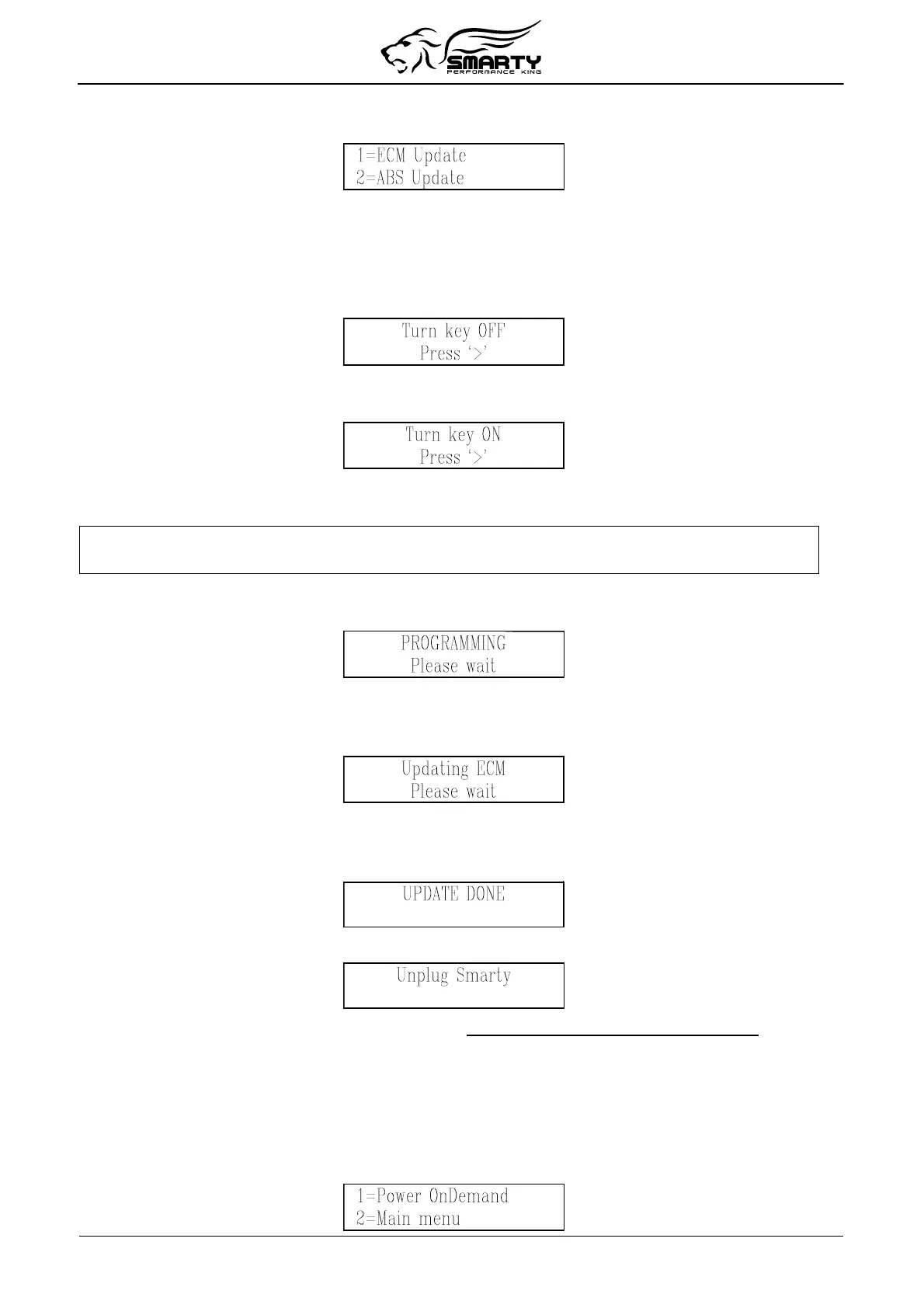
Press the ‘1’ key, and Smarty displays the following screen:
Press the ‘1’ key to select ECM Update.
Smarty will try to establish the communication with the ECM. The connection cannot be established
because the last updating session has been interrupted. Smarty knows that the last update has not been
performed correctly, and will recognise the not operational ECM condition.
Smarty asks you to switch off the ignition key:
Turn the ignition key to “OFF”. Press the ‘>’ key. Smarty will then ask you then to turn ON the
ignition key in order to retry the communication:
Turn the ignition key to the “RUN” position. DO NOT START THE ENGINE. Press the ‘>’ key.
The communication cannot start yet. Smarty shows the following message:
A previous update has been interrupted
Press ‘>’ to restore ECM to Stock
The message is longer than the display, so the message will repeatedly scroll across the screen.
Press the ‘>’ key. The recovery operation starts. You will see the following message:
After a few seconds, a numeric counter with the percentage of the transmitted software will appear.
At the end of the transmission (when 100% is reached), Smarty will update the functional parameters
of the ECM. The following screen will appear:
During the updating session, Smarty can ask to Turn key OFF and Turn Key ON. Please follow these
instruction. DO NOT DISCONNECT Smarty before the updating session is completed.
At the end of the recovery operation, the following screen appears:
After a few seconds Smarty displays the following message:
Please, unplug Smarty from the diagnostic port and turn the ignition key off for 15 seconds.
The job is done. The ECM has been returned to the STOCK software and Smarty is no longer VIN#
Locked. You’re ready to start from the beginning again.
5. Power on Demand
(not available for MY 2010 and above)
This function allows the user to select the preferred power level instantly, also during the driving!
At the PoD menu:
Page 10 of 16


 To Next Page