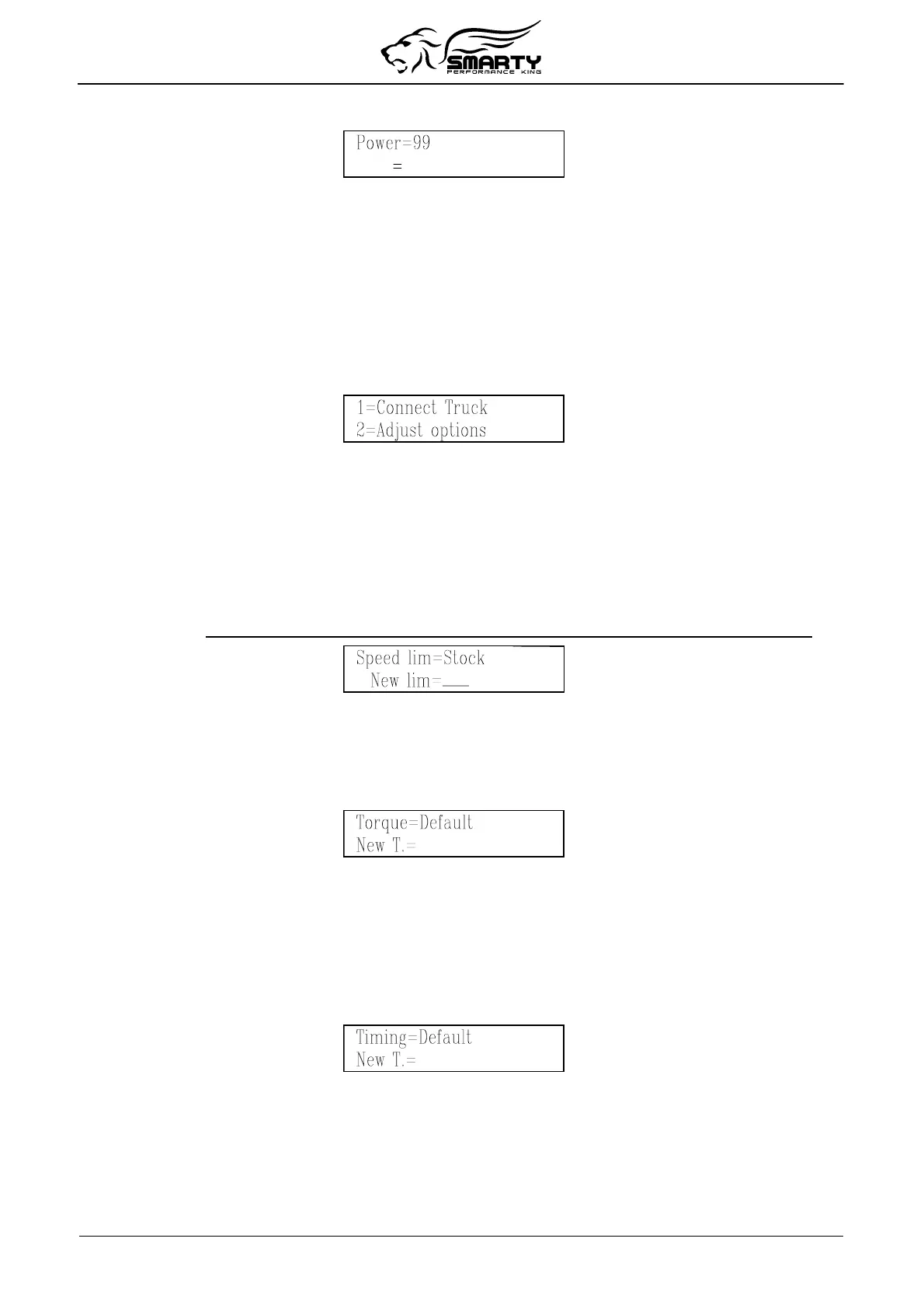
press '1' key to enter the Power on Demand function, the Power page will appear:
Power can be selected between 99 (full power) and 0 (lower power). Just type the preferred power.
The number will appear in the second line of the display, after a while it appears on the first line, this
confirms that the value has been correctly sent to the truck. You have just to release the throttle to
apply the new power.
Smarty waits for a new Power on Demand adjustment. To return to the PoD menu, press '<'.
6. Adjusting optional parameters
Before the programming, Smarty proposes the adjustment of the optional parameters.
To enter this function, press 2 in the Options menu:
The list of optional parameter varies according to the installed software.
For each parameter, the current option status is shown on the first line of the display. With Smarty
numeric keyboard, the optional parameters can be adjusted.
To maintain unchanged the current parameter, press the '>' key.
You can return back one step, in any moment with the ‘<’ key.
Speed limiter
The speed limiter can be adjusted anywhere from 25 to 250 MPH in one MPH steps.
IMPORTANT: Your tires might not be rated for increased speeds. Please check your tires rating!
To set the speed limiter to Stock, select 0.
Torque
(not available for MY 2010 and above)
The Torque selection can be programmed 1 (stock), 2 (mild), 3 (moderate) or 4 (wild). To use the
default torque setting for the current CaTCHER level, press 0.
IMPORTANT: with torque level 3 or above, an aftermarket clutch/AT Transmission is recommended.
Injection Timing
The Timing selection can be programmed:
For a MY 2007-2009: 1 (stock), 2 (Advanced), 3 (Mild) or 4 (Greatest).
For a MY 2010 and above: 1 (stock), 2 (Greatest), 3 (Advanced) or 4 (Mild).
To use the default timing setting for the current CaTCHER level, press 0.
Setting Advanced is suggested for aftermarket injectors.
Rail Pressure
(not available for MY 2010 and above)
The Rail Pressure selection can be programmed 1 (stock), 2 (mild), 3 (moderate) or 4 (wild). To use
the default rail pressure for the current CaTCHER level, press 0.
Page 11 of 16


 To Next Page