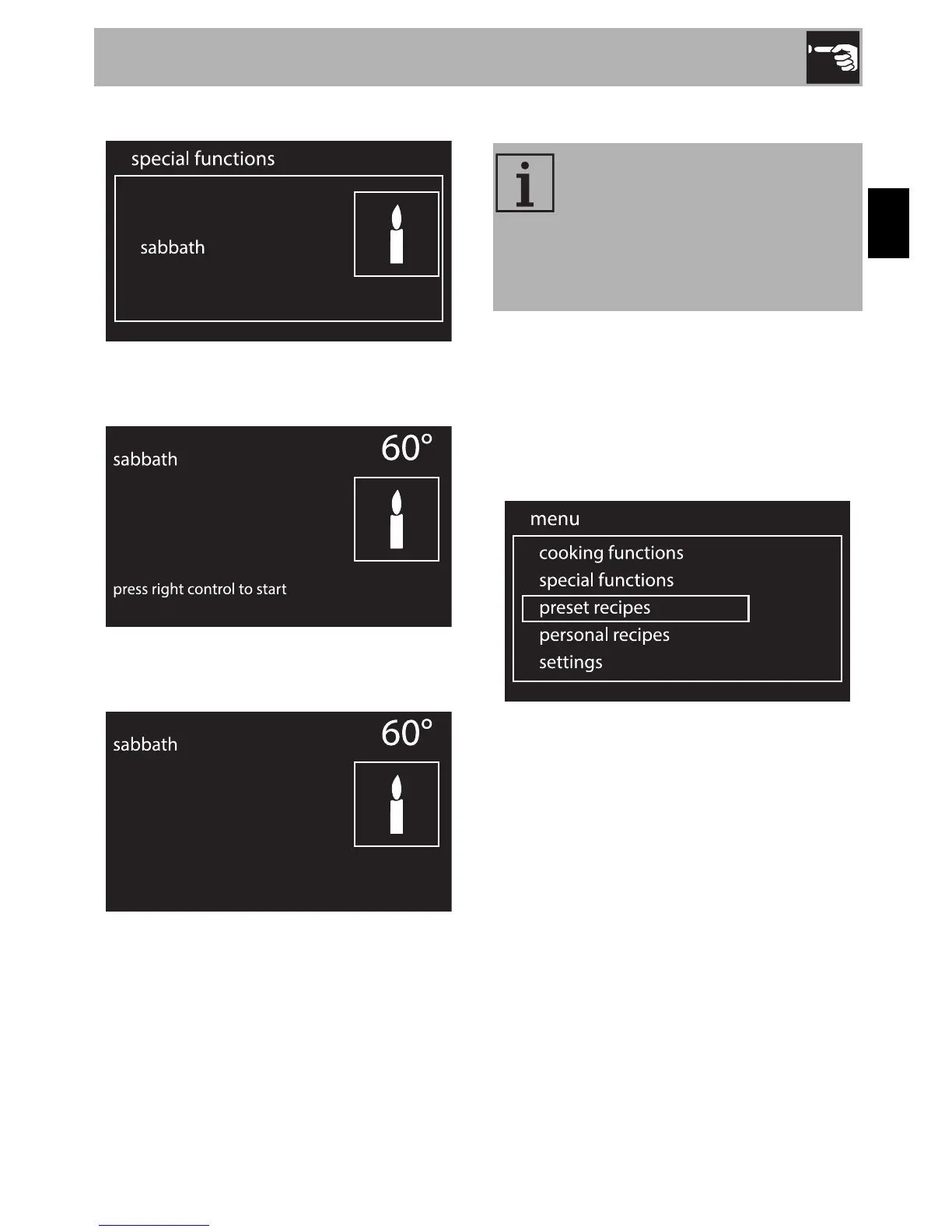
2. Press the control knob to confirm.
3. Turn the control knob to the right or left
to change the heating temperature.
4. Press the control knob to start the
Sabbath function.
5. When finished, keep the control knob
pressed in for at least 5 seconds to
return to the main menu.
3.10 Preset recipes
1. On the clock screen, press the control
knob to access the main menu.
2. Turn the control knob to the right or left
to select preset recipes from the man
menu.
3. Press the control knob to confirm.
Starting a preset recipe
1. Turn the control knob to the right or left
to select the required type of dish from
the “preset recipes” menu.
This mode allows you to select a
previously stored program for
cooking food. The appliance will
automatically calculate the
optimum cooking parameters
according to the weight selected.



 To Next Page