94
Changing
the cooking time
At the end of a
cooking programme
0m00s is displayed. The display animation ceases.
Discontinuous beeps are emitted for three minutes.
To silence the beeps, press the START/STOP touch
control or open the door.
Cancelling cooking
in progress
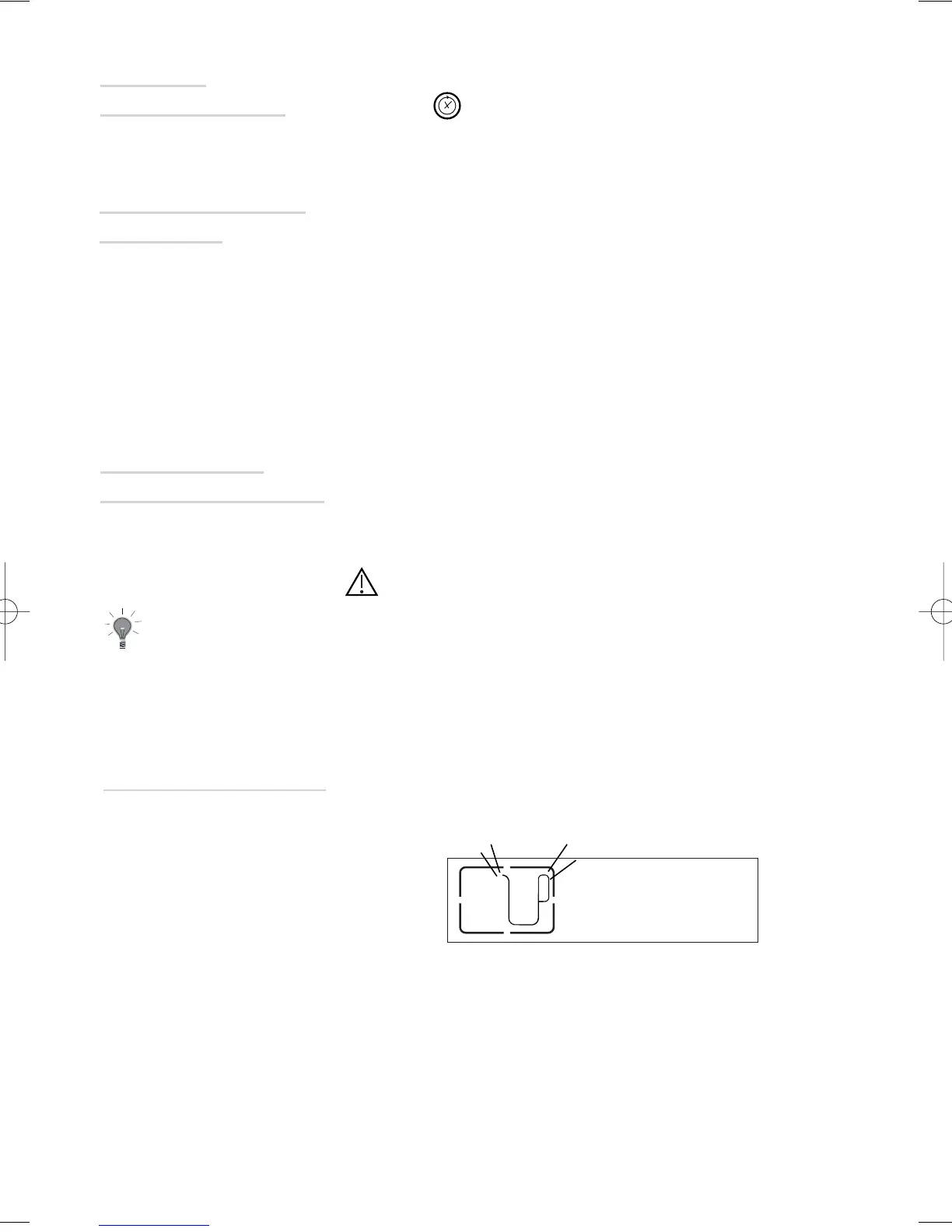
During cooking, you can adjust the cooking time by
pressing and the + or - touch controls.
You can stop the cooking at any time by pressing the
START/ STOP touch control (press and hold for approx-
imately one second).
If steam generation has not yet begun (approximately
one minute), the oven stops immediately and the time
disappears.
If steam generation has already begun, the time con-
verts to three minutes; a countdown begins and the
steam escapes before the door is opened.
You MUST empty the tank.
The oven cooling fans will continue to run for a short period after cooking
to continue the cooling process.
In the event of a water circuit-related problem during
cooking, the "no water" indicator appears and a beep is
emitted.
This error is specifically associated with:
- An empty tank.
- A poorly seated tank.
After checking these two items, cooking automatically
restarts as soon as the door is closed.
Water management



 To Next Page