59
OPERATING STATES
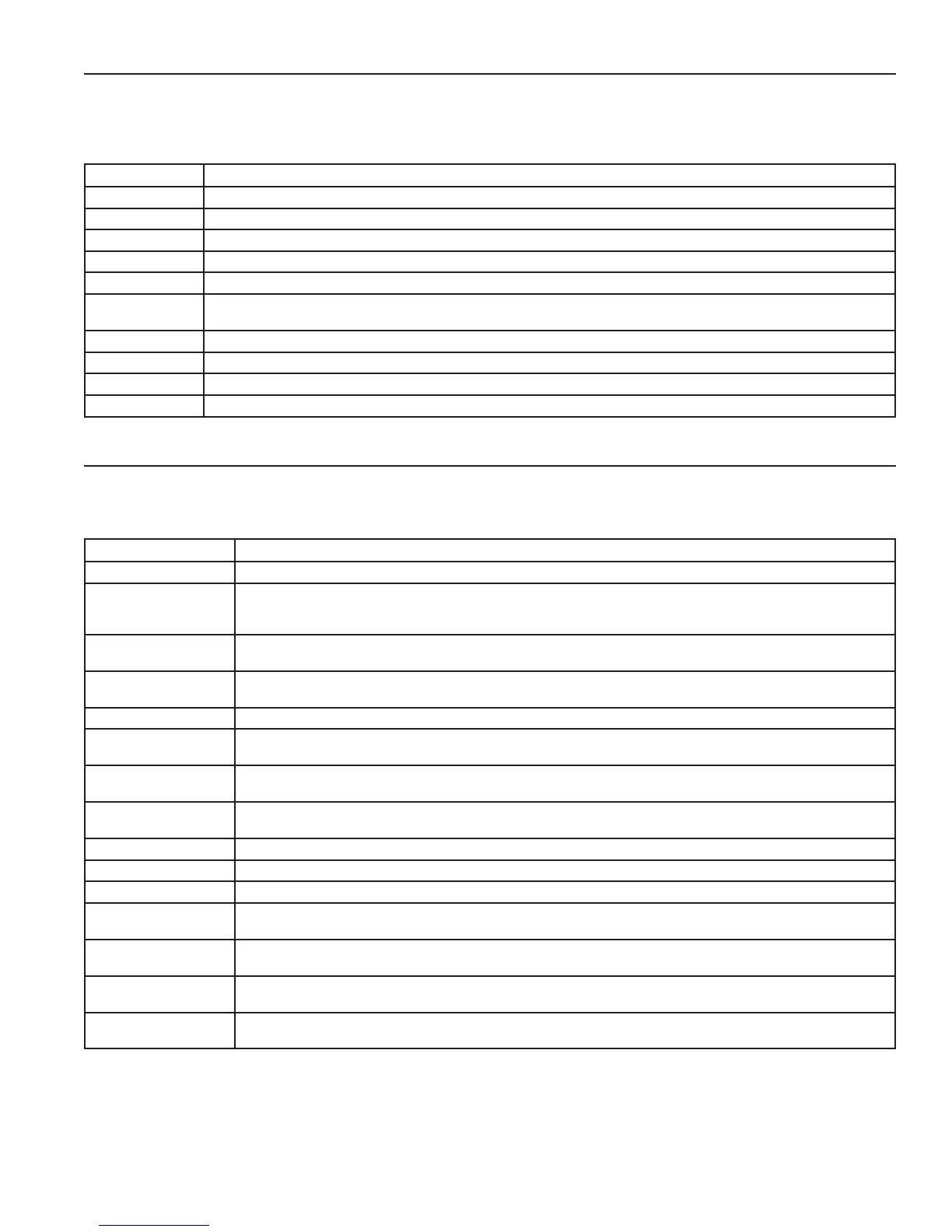
The current operational state of the water heater is displayed on the User Interface Module (UIM) screen as the "Status." The
common operational states are described in the table below. Ensure the water heater is properly grounded. Flame sensing requires
an adequate earth ground. If the water heater is not properly grounded it will cause ignition failure.
TABLE 27
State Description
Standby The unit has not received a call for heat from a remote thermostat nor has it received a call for heat from a DHW thermostat.
Input Verication The unit has begun a burn cycle and is checking all safety circuits.
Pre-Purge The unit has initiated a pre-purge period on a call for heat.
Inter-purge The combustion chamber is energized to ush residual ue gas from the combustion chamber after a failed ignition attempt.
Heating The unit has red and is running.
Post-purge The call for heat has been satised and the unit runs the blower for an additional post-purge period to clear the combustion
chamber and vent system of residual ue products.
Enable/ Disable The unit is in On/Off position.
Setpoint Met The controlled temperature has exceeded its set point and its offset.
Fault The main control board has detected an internal fault.
Alert The unit has detected a condition that has temporarily interrupted the current call for heat.
CONTROL SYSTEM MENUS
From the UIM screen touching the "Menu" on the display will show the "Main Menu". This is where all control system menus are
located. The table below describes the control system menus.
TABLE 28
Menu Description
Temperatures Most commonly accessed menu. Contains the Operating Setpoint and Differential user settings.
Heater Status This menus displays the current state of all pressure switches and the ECO (open/closed). The on/off status of the
Combustion Blower, gas valve, Spark Igniter, ame sensor and other monitored water heater components are displayed
in this menu.
Display Settings Temperature units (°F or °C), the LCD appearance (brightness/contrast) and backlight delay user adjustable settings
are located in this menu.
Heater Information Elapsed time of operation, total heating cycle time, heating cycle count, heating on time along with UIM and CCB
software revisions can be viewed in this menu.
Current Fault Displays any current Alert or Fault messages.
Fault History This control system menu retains a list of the last nine (9) Fault and Alert messages with a time stamp. The newest
event will replace the oldest. Faults will clear after 30 days.
Fault Occurrence This control system menu retains a running total of how many times each Fault condition has occurred since the water
heater was rst installed. The data does not clear and cannot be reset.
Service The Service Menu displays service & maintenance parameters such as the last service date, contact information in
case of any service procedures and also the gives access to Service Mode operation.
Circulation Pumps The Circulation Pumps menu contains settings for the DHW Pump Delay, Freeze Protection, and Anti-Seize parameters.
Building Management The Building Management menu contains parameters for operating the unit with 0 – 10V signal.
Lead/ Lag The Lead/Lag menu contains parameters used to connect multiple hot water heaters together.
Economy Mode/ Clock The Economy Mode/Clock menu allows the user to set the time and date on the hot water heater, as well as schedule
periods to run at lower temperatures.
Short Cycling The Short Cycling menu contains parameters that prevent the heater from starting a cycle too quickly after it has
nished a previous call for heat.
Restore Factory Defaults This control system feature allows the user to restore control system user settings to their factory default settings.
Display Settings preferences ARE NOT changed when factory defaults are restored.
Help Screens Text based operational and user information explaining how to change user settings, navigate the control system menus
and icon descriptions.


 To Next Page