6
ENG
Power Console
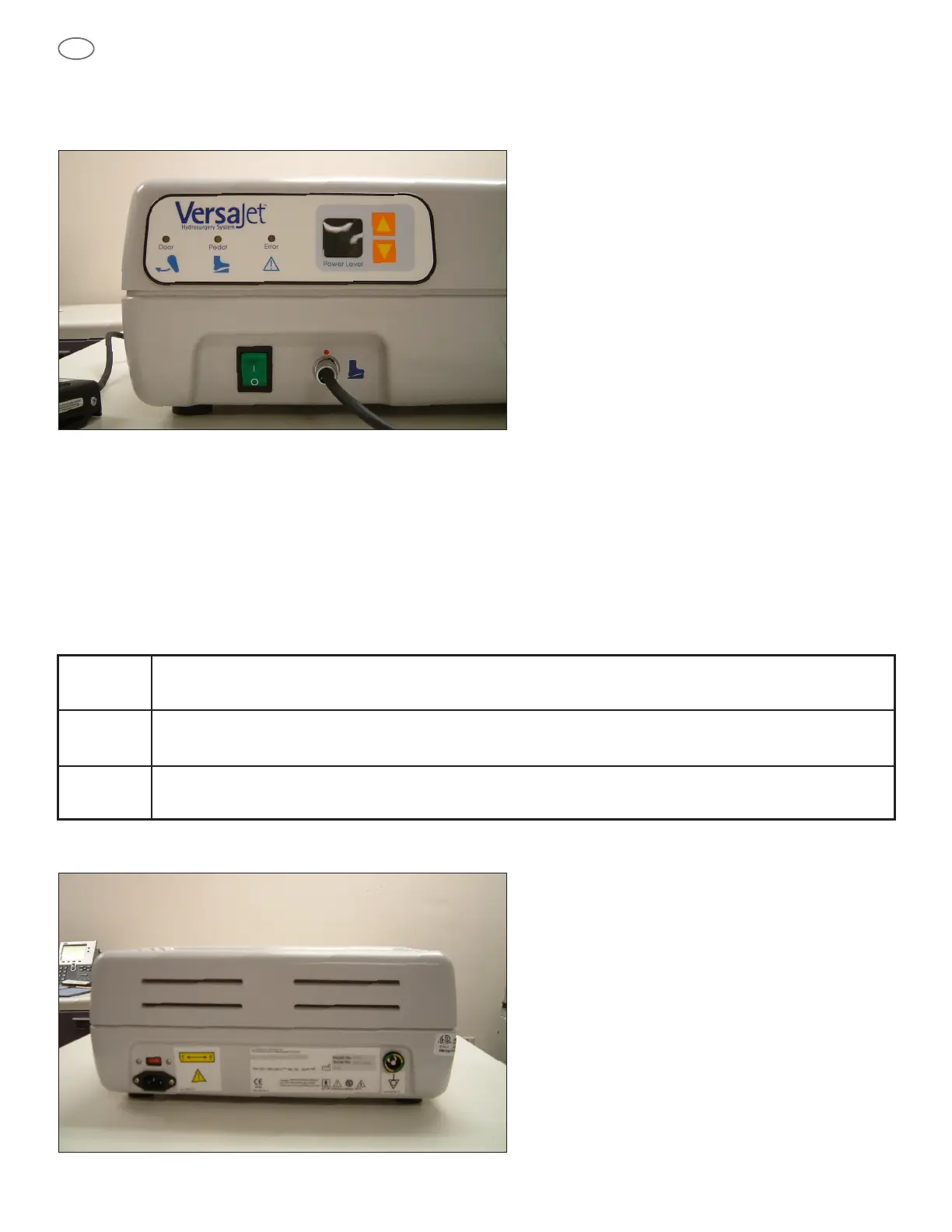
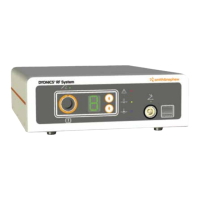
Front Panel
The Power Switch is on the lower left corner of the front panel. When the system is not in use, this switch should be in the
off (O) position.
The Foot Switch Receptacle receives the cable connector from the external Foot Switch to allow remote operation of the system.
The Foot Switch is the only means of actuating the device. It allows for direct surgeon control over console activation.
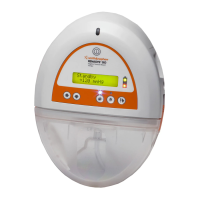
The digital display, located to the left of the up and down-speed control arrows on the centre of the panel, defaults to speed
level 1, the lowest pressure level for the system. The up and down arrows that are immediately adjacent to the digital display
can be used to increase or decrease the speed respectively.
Three indicator lights are located to the left of the digital display.
Rear Panel
“Door” When illuminated, an amber Door light indicates that the console knob is not completely closed.
“Pedal” When illuminated, an amber Pedal light indicates that the foot switch is not properly connected.
“Error” When illuminated, a red Error light indicates that an over-pressure condition has occurred that can only
be cleared by toggling the power switch off and on.



 To Next Page