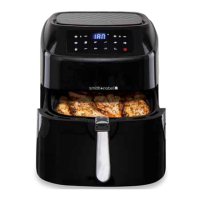
Ensure that the water tank is securely set in place to avoid affecting normal use of
the appliance.
Warning: at the end of a cooking cycle, hot water from the steamer will be inside the
frying basket drawer. Do not tip the frying basket drawer out onto a plate. Use tongs
(not included) to remove food from the frying basket drawer.
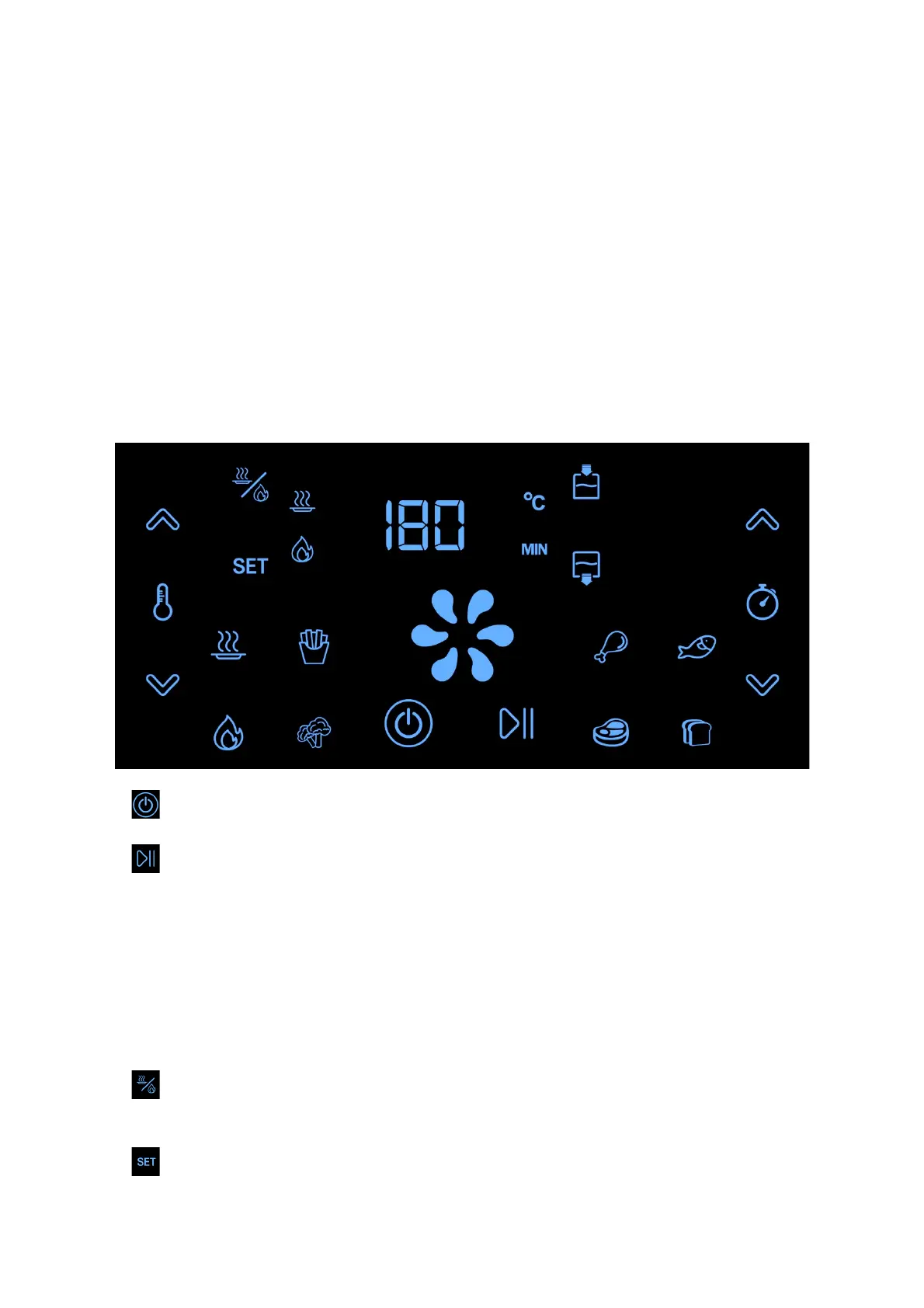
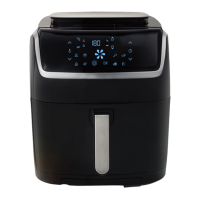
Control panel:
Once the appliance is plugged into the mains power supply, it will beep once and the
entire digital display screen will illuminate for one second before going into idle
mode. The power button will remain illuminated at this time.
1. Power button: press to turn on / off the appliance.
2. Start / pause button: press to start / pause the cooking process.
3. Food icon buttons: press these buttons to choose a preset cooking program that
you wish use. When your chosen option is blinking on the screen, press the start
button to begin the cooking process. Please see the below section of cooking
programs for further information.
Note: Opening the frying basket’s drawer during the cooking process will pause the
appliance until the drawer is securely closed again.
4. Steam / air fry button: press to use a special cooking mode which uses a
combination of steaming mode and air frying mode.
5. Set button: press to confirm the steam or air fry cooking modes.


 To Next Page