11
4.2 FEATURES
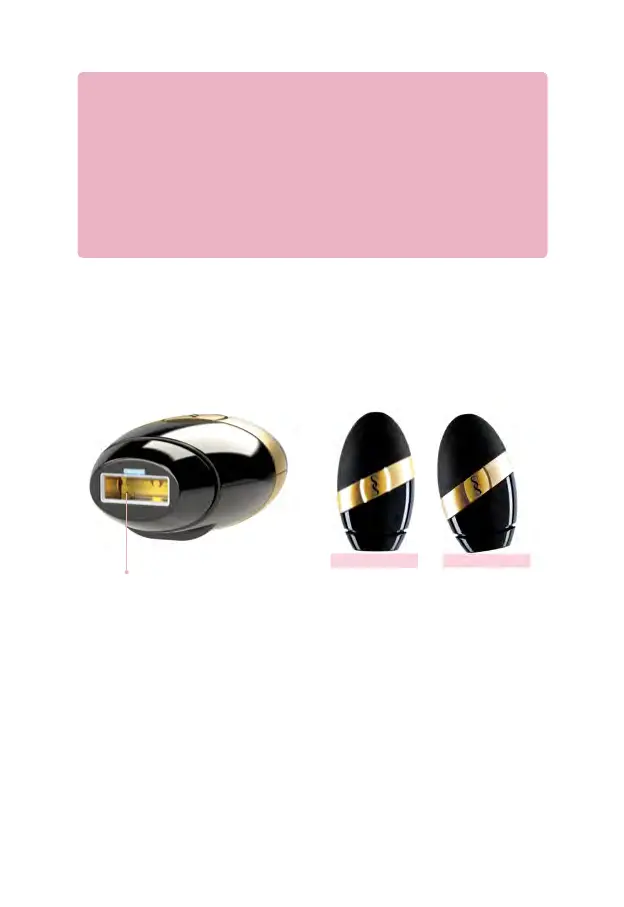
Skin Tone Sensor: SMOOTHSKIN BARE+ has a unique, sophisticated skin tone sensor. During
a treatment, the sensor is continuously active, searching for a valid skin tone. If the skin tone
sensor does not detect a valid skin tone, or is not in full contact with the skin, then the handset
cannot be activated. Make sure the handset is placed flat against your skin, as it will only detect
the correct Skin Tone when pressed against the skin.
Whoa there! One step at a time...
Before your first treatment on each new body area, test your skin (in that area) for a
reaction to SMOOTHSKIN BARE+. The Patch Test area should be approximately 3cm x
2cm (equivalent to 2 flashes side by side).
1. Follow the instructions in the ‘Getting Started’ section to begin as usual.
2. Treat the area.
3. Wait 24 hours.
4. If there’s no reaction after 24 hours, you’re good to go! The ‘patch tested area’
should NOT be re-treated for at least 1 week.
Incorrect
Correct
Skin Detection
Indicator On Indicator O
No Skin Detection
4.3 TREATMENT
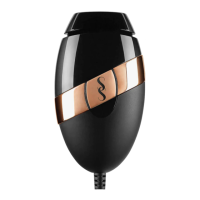
• Press the handset firmly against the area to be treated. The indicators around the activation
button will illuminate WHITE when the device is ready to flash.
• Press the activation button. The device will flash, and you will feel a warm sensation.
• Move the handset to the next area to be treated and go again!
Ensure that the ENTIRE AREA receives treatment, and treat any stubborn areas (such as
underarms) with multiple passes (running your device over the same area a maximum of 3 times).
Treatment Window


 To Next Page