6
EEJP201MBK-Z Rev. A (10/17)
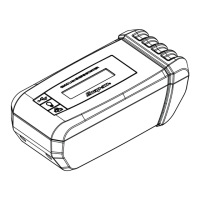
CONTROL PANEL
Digital Display
The digital display indicates the battery’s voltage, when
the clamps are attached to the vehicle’s battery if greater
than 1.5V. When not attached to the battery, the digital
display is used to indicate the percent of charge on the
engine starter’s internal battery.
Refer to Display Messages for a list of messages.
✔ NOTE: After charging, the display will go into
sleep mode. No messages will be displayed.
✔ Press any button to turn the display back on.
BUTTONS
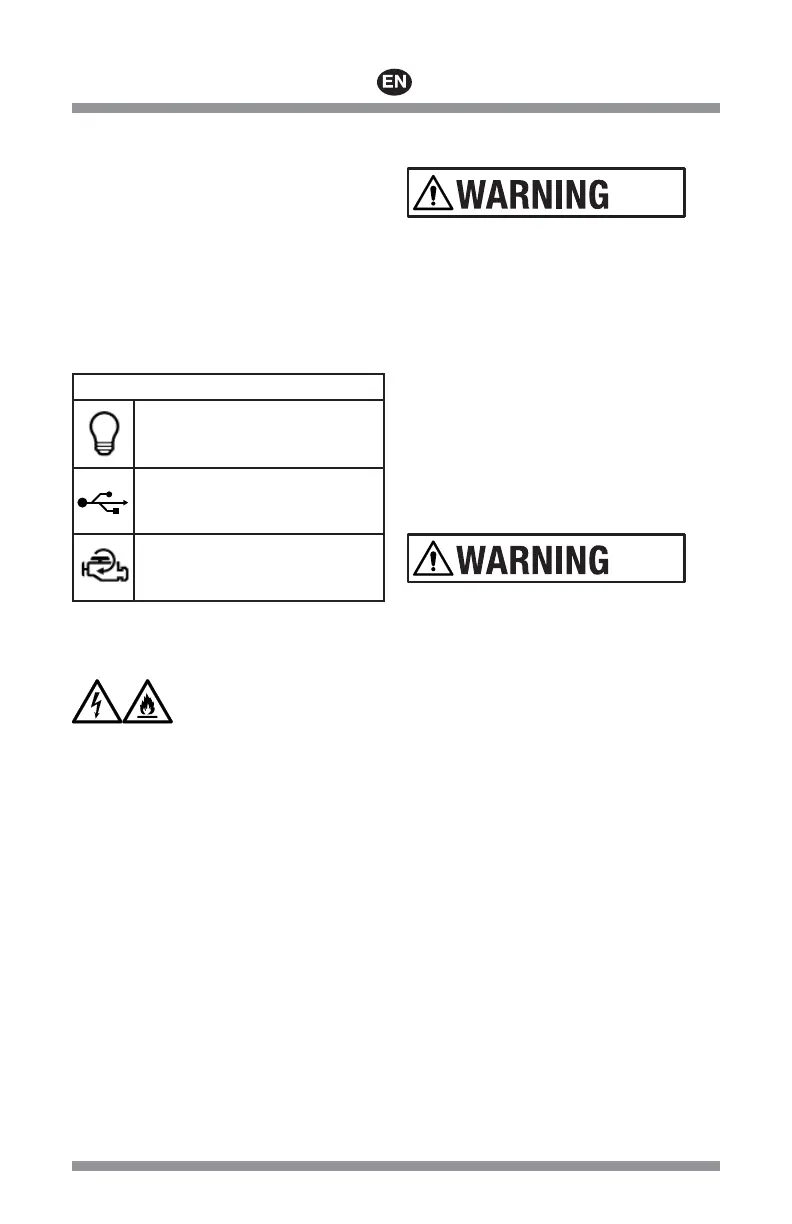
LIGHT -
LED light function/SOS
12V/USB/MEM -
12V DC port, USB port and Memory
Saver function
ENGINE START -
Engine start function
CHARGING THE INTERNAL
BATTERY
Risk of electric shock and fi re.
1. To reduce the risk of electric shock, unplug the engine
starter’s wall charger from the outlet before
attempting any maintenance or cleaning. Turning off
the controls will not reduce this risk.
2. Work in a well ventilated area, when charging the
internal battery. Do not restrict the ventilation in any
way.
Checking the Level of the Internal
Battery
3. Check the internal battery’s charge level
— Make sure the engine starter is turned OFF
— Press any button.
— Make sure all attachments are unplugged from
the engine starter.
4. Digital display will show the battery’s percent of
charge.
— If internal battery is fully charged, the display
will show 100%.
— If display is under 100%, charge the internal
battery.
Charging the Internal Battery using
the AC Wall Charger EEJP200M-2
Only use the EEJP200M-2 charger to charge the Engine
Starter. Using another charger may damage the engine
starter.
1. Connect charger into the charge port (i) on the Engine
Starter. See Figure 1.
2. Plug the other end of the charger into a 100-240VAC
electrical wall outlet.
3. The engine starter screen will show CHARGING-xx%.
Complete charging may take approximately 4 hours.
4. The display will show FULLY CHARGED when the
internal battery is completely charged.
5. Disconnect the wall charger from the AC outlet and
the engine starter when the battery is fully charged.
Charging the Internal Battery using
the DC Adapter EEJP200M-3
The engine starter may be charged using the
EEJP200M-3 DC charging cable
1. Charge while the vehicle’s engine is running.
2. Connect the DC charging cable to the charge port (i)
on the engine starter. See Figure 1.
3. Plug the other end of the charging cable into the
vehicle accessory 12V port.
4. The engine starter screen will show CHARGING-xx%.
Complete charging may take approximately 4 hours.
5. The display will show FULLY CHARGED when the
internal battery is completely charged.
6. Disconnect the charging cable from the accessory
12V port and the engine starter when the battery is
fully charged.
7. Disconnect EEJP200M-3 charging cable when the
vehicle engine is not running. Failure to do so may
discharge the engine starter internal battery.




 To Next Page