EasyManua.ls Logo

Snapper XD SXD19PWM82 - User Manual

Snapper XD SXD19PWM82
84 pages
Print Icon
To Next Page IconTo Next Page
Loading...
Read all safety rules and instructions carefully before operating this tool.
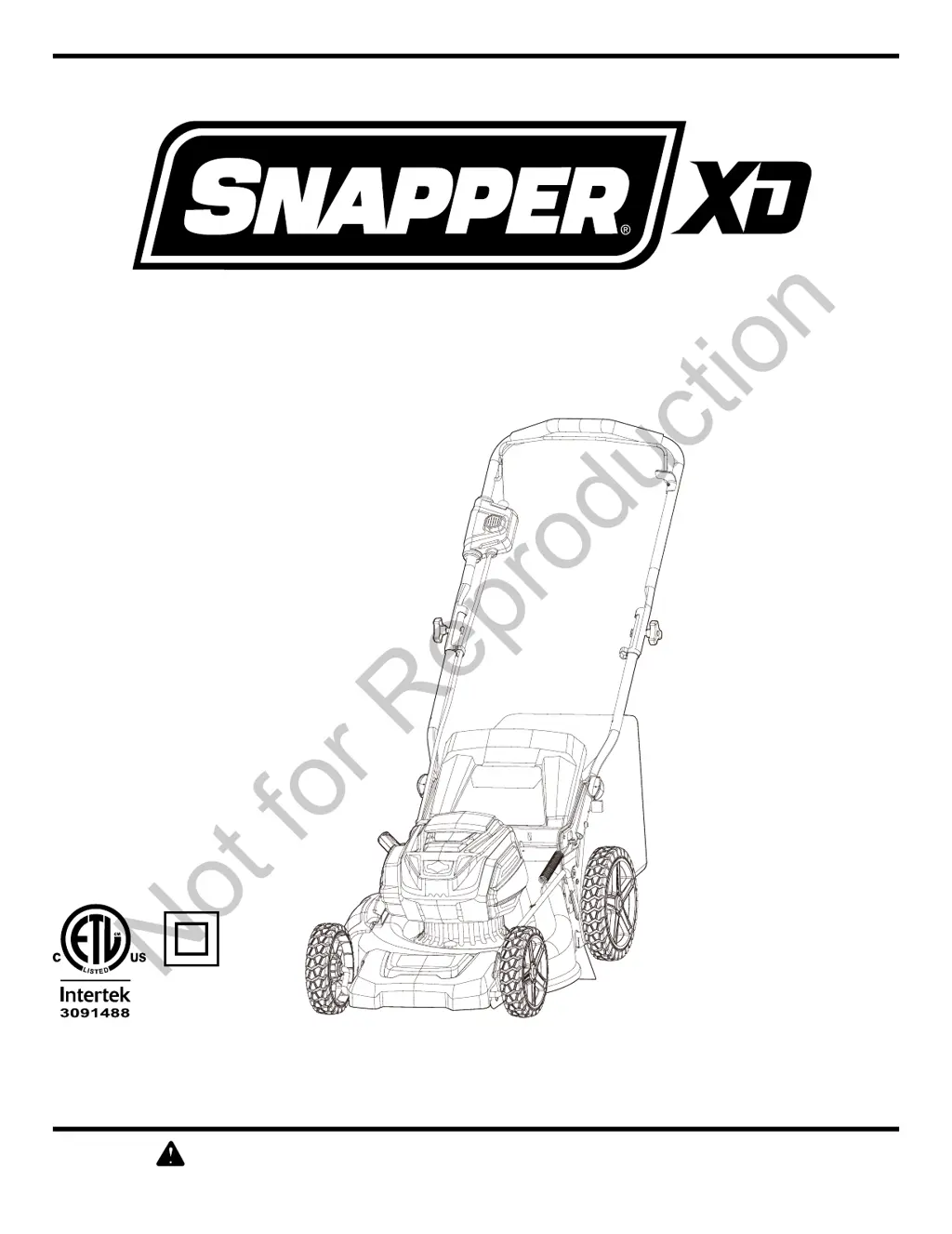
Owner’s Manual
TOLL-FREE HELPLINE: 1-800-317-7833
www.snapper.com
19" 82V Cordless Mower
1696862 (SXD19PWM82)
Not for Reproduction

Questions and Answers

  • J
    Jennifer GillespieAug 6, 2025
    Why my Snapper Lawn Mower does not start?
    • J
      James WilkinsonAug 6, 2025
      If your Snapper Lawn Mower doesn't start, several factors could be at play. First, ensure the battery is fully charged. Another reason could be that the battery is not fully inserted in the mower; therefore, check the connection between the battery and the mower, making sure the battery clicks into place. There might also be grass jammed between the deck and blade, so remove the battery and check under the deck for any obstructions. In some instances, the switch may be defective, or the battery may require service or replacement, in which case you should contact an authorized service center or replace the battery.
  • M
    Michele SimpsonAug 12, 2025
    How to fix Snapper XD SXD19PWM82 cutting unevenly?
    • D
      Daniel RamirezAug 13, 2025
      If your Snapper Lawn Mower cuts grass unevenly, it could be due to a few reasons. The lawn itself might be rough or uneven, so check the mowing area for irregularities. Alternatively, the cutting height might not be set properly, so adjust the wheels to a higher setting.
  • T
    Terry RogersAug 18, 2025
    Why is my Snapper Lawn Mower excessively noisy and vibrates?
    • A
      Angela MeyerAug 18, 2025
      If your Snapper Lawn Mower is excessively noisy and vibrates, the motor shaft might be bent. Stop the motor and inspect for damage. Also, the blade might be unbalanced; therefore, repair it before restarting. If vibration persists, contact an authorized service center.
  • K
    Kerry CohenAug 25, 2025
    Why is my Snapper Lawn Mower so hard to push?
    • E
      Elijah FreemanAug 25, 2025
      If your Snapper Lawn Mower is hard to push, it might be because the grass is too tall, or the cutting height is too low; therefore, raise the cutting height. Also, the rear of the grass catcher bag might be dragging in thick grass. In this case, empty the grass clippings from the grass catcher bag.
  • W
    william81Aug 30, 2025
    What to do if my Snapper Lawn Mower does not mulch properly?
    • R
      Ricardo ParkerAug 30, 2025
      If your Snapper Lawn Mower does not mulch properly, it could be because wet grass clippings are sticking to the underside of the deck. Wait until the grass dries before mowing. Also, the mulching plug might be missing; therefore, install the mulching plug.

Summary

Safety Information

General Operation Safety

Provides safety guidelines for operating the mower, including environment, attire, and alertness.

Slope Operation Safety

Details safety precautions for operating the mower on slopes, including angle limits and footing.

Child Safety Precautions

Emphasizes keeping children away from the mower and being alert to their presence.

Service and Maintenance Safety

Covers safety precautions during mower servicing, cleaning, and repairs, including blade handling.

Proposition 65 Warning

Informs about chemicals known to cause cancer, birth defects, or reproductive harm in California.

Symbols and Signal Words

Features and Controls

Assembly Instructions

Unpacking and Parts Check

Guide on unpacking the mower, checking contents, and reporting missing or damaged parts.

Adjusting the Lower Handle

Steps for unfolding and adjusting the lower handle to a comfortable operating position.

Installing the Upper Handle

Instructions for aligning and securing the upper handle to the lower handle using bolts and knobs.

Installing the Grass Catcher Bag

Procedure for attaching the grass catcher bag to the mower, ensuring hooks are seated correctly.

Mulching Plug Installation;Removal

How to install or remove the mulching plug, noting it must be removed for the grass catcher.

Installing the Side Discharge Chute

Steps to attach the side discharge chute to the mower deck and side discharge cover.

Installing the Battery Pack

Guide on how to correctly insert the battery into the mower and ensure it is secured.

Removing the Battery Pack

Instructions for safely removing the battery pack from the mower.

Operation

Starting and Stopping the Mower

Detailed steps for starting and stopping the mower's motor, including safety features.

Soft-Start Feature

Explanation of the mower's soft-start feature and troubleshooting if it doesn't start.

Pre-Mowing Area Inspection

Importance of clearing the mowing area of debris before operation to prevent injury or damage.

Cutting Height Adjustment

Instructions on how to adjust the mower's cutting height and a chart of height settings.

Slope Operation Guidance

Using the slope gauge to measure inclines and safety rules for mowing on slopes.

Mowing Tips and Best Practices

Advice on blade sharpness, mowing conditions, speed, and lawn health for optimal performance.

Mulching Tips

Guidance on effective mulching, including grass conditions and cutting height adjustments.

Emptying the Grass Catcher Bag

Procedure for safely stopping the mower and emptying the grass catcher bag.

Battery and Charger

Charging the Battery

Steps for charging the battery pack, including initial charge and LED status indicators.

Low Voltage Charging Procedure

Details the recovery mode for batteries with low charge and its duration.

Troubleshooting Charger LEDs

Guidance on interpreting and resolving issues indicated by the charger's LED status lights.

Charger Mounting Instructions

Instructions for mounting the battery charger on a wall or floor.

Maintenance

Replacing the Cutting Blade

Step-by-step guide for safely removing and installing the mower's cutting blade, including torque specs.

Cleaning the Mower

Procedures for cleaning the mower deck and body to prevent rust and corrosion.

Storing the Mower

Steps to prepare the mower for storage, including cleaning, battery removal, and storage location.

Vertical Storage Function

How to engage the vertical storage position and use the storage switch for safety.

Understanding the Storage Switch

Explanation of the storage switch's function in disabling the mower in the storage position.

Environmentally Safe Battery Disposal

Battery Disposal Warnings

Critical warnings regarding the toxic nature of battery materials and safe disposal practices.

Troubleshooting Common Issues

Mower Fails to Start

Identifies causes and solutions for the mower not starting, such as battery or switch issues.

Uneven Grass Cutting

Addresses causes and solutions for uneven cutting, like lawn condition or height settings.

Mulching Performance Issues

Explains why the mower might not mulch properly, often related to grass condition or missing plug.

Mower Difficult to Push

Covers reasons why the mower may be hard to push, such as tall grass or dragging catcher.

Excessive Noise and Vibration

Diagnoses causes of excessive noise and vibration, like bent motor shafts or unbalanced blades.

Limited Warranty Information

Warranty Period Details

Specifies warranty coverage duration for equipment and battery/charger for consumer and commercial use.

About Your Warranty Coverage

Details warranty service availability, exclusions like improper use, and what is not covered.

Snapper XD SXD19PWM82 Specifications

General IconGeneral
BrandSnapper
ModelSXD19PWM82
TypeLawn Mower
Power SourceBattery
Voltage82V
Cutting Width19 inches
MotorBrushless
Battery TypeLithium-ion
Deck MaterialSteel
Cutting Height Positions7

Related product manuals