44
Using Speed Dial
The speed dial feature allows you to program up to 32 numbers that you dial
frequently. You can access the rst 16 speed dial numbers by pressing the speed
dial buttons. To access the remaining 16 speed dial numbers, press LOWER and
then the speed dial button for the desired location.
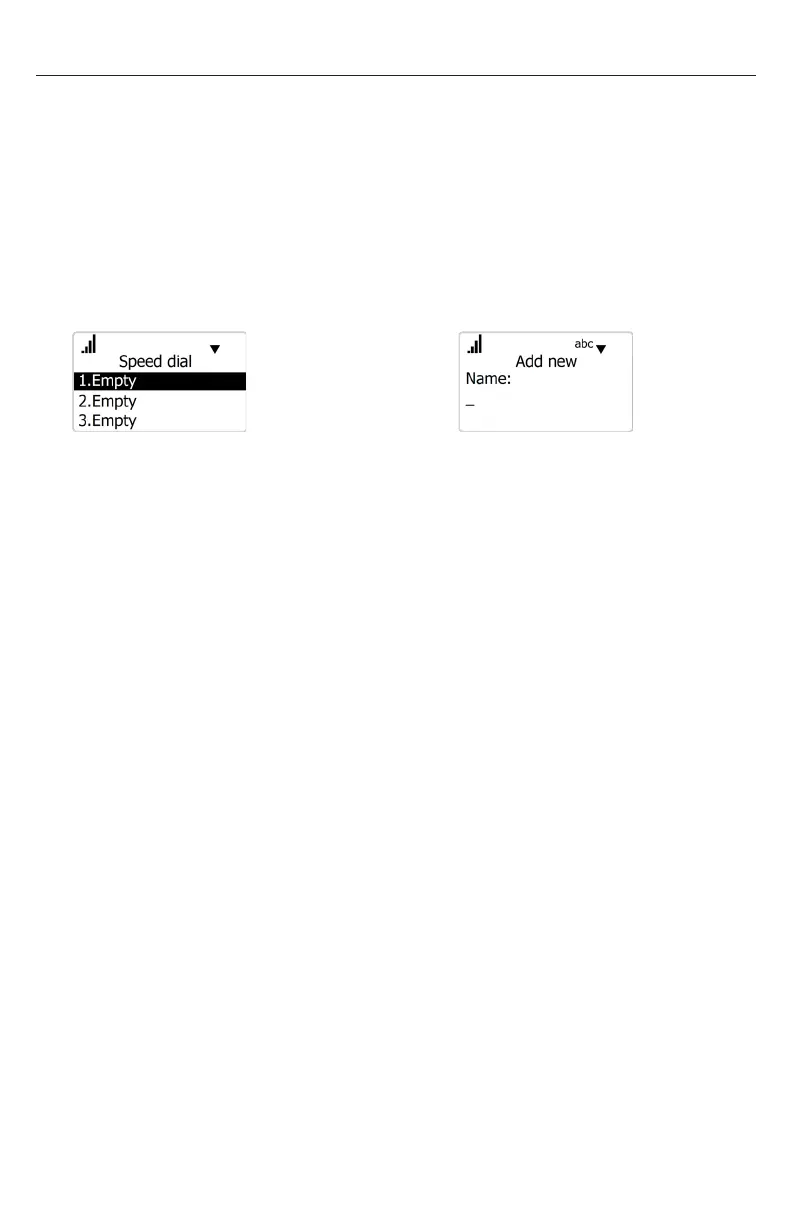
To program a Speed Dial number:
1. Press MENU/FUNC.
2. Press q to highlight Speed dial and then press SELECT.
3. Press q or p to select an empty slot, and then press MENU/FUNC.
â
MENU/FUNC.
4. Use the dial pad to enter a name, and then press q.
5. Use the dial pad to enter a number, and then press q.
6. Press t or u to choose the dial line (account), and then press SELECT.
To edit existing Speed Dial entries:
1. Select the entry in the Speed Dial list then press MENU/FUNC.
2. Press q or p to select an item to edit.
3. Use the dial pad to change the name and number. Press DELETE to delete
characters.
4. Press t or u to change the dial line (account).
5. When you are done editing, press SELECT.
To delete existing Speed Dial entries:
1. Select the entry in the Speed Dial list, and then press DELETE.
2. Press SELECT on the delete conrmation screen.
OR
Press CANCEL to return to the previous screen.



 To Next Page