65
Blacklist
To view the Blacklist, click CONTACTS in the WebUI header, and then click
Blacklist in the sidebar.
The Blacklist directory is identical to the Base directory, except that you cannot
congure an incoming ringer tone.
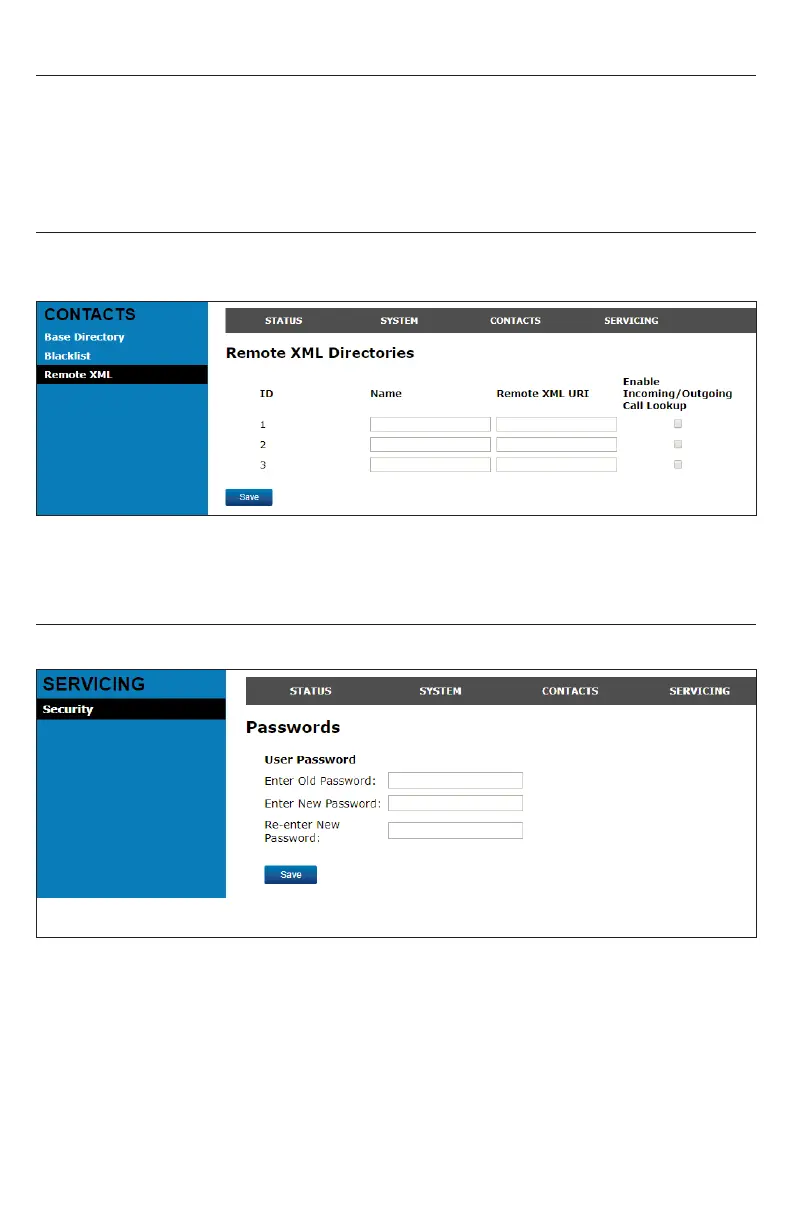
Remote XML
On the Remote XML page, you can congure up to three server-hosted Remote
XML directories to appear on the Directory menu of your deskset.
For more information about conguring Remote XML directories, see the
M100 KLE Administrator and Provisioning Manual.
Security
On the Security page, you can change your User Password.
After changing your password, click Save.



 To Next Page