Favorite
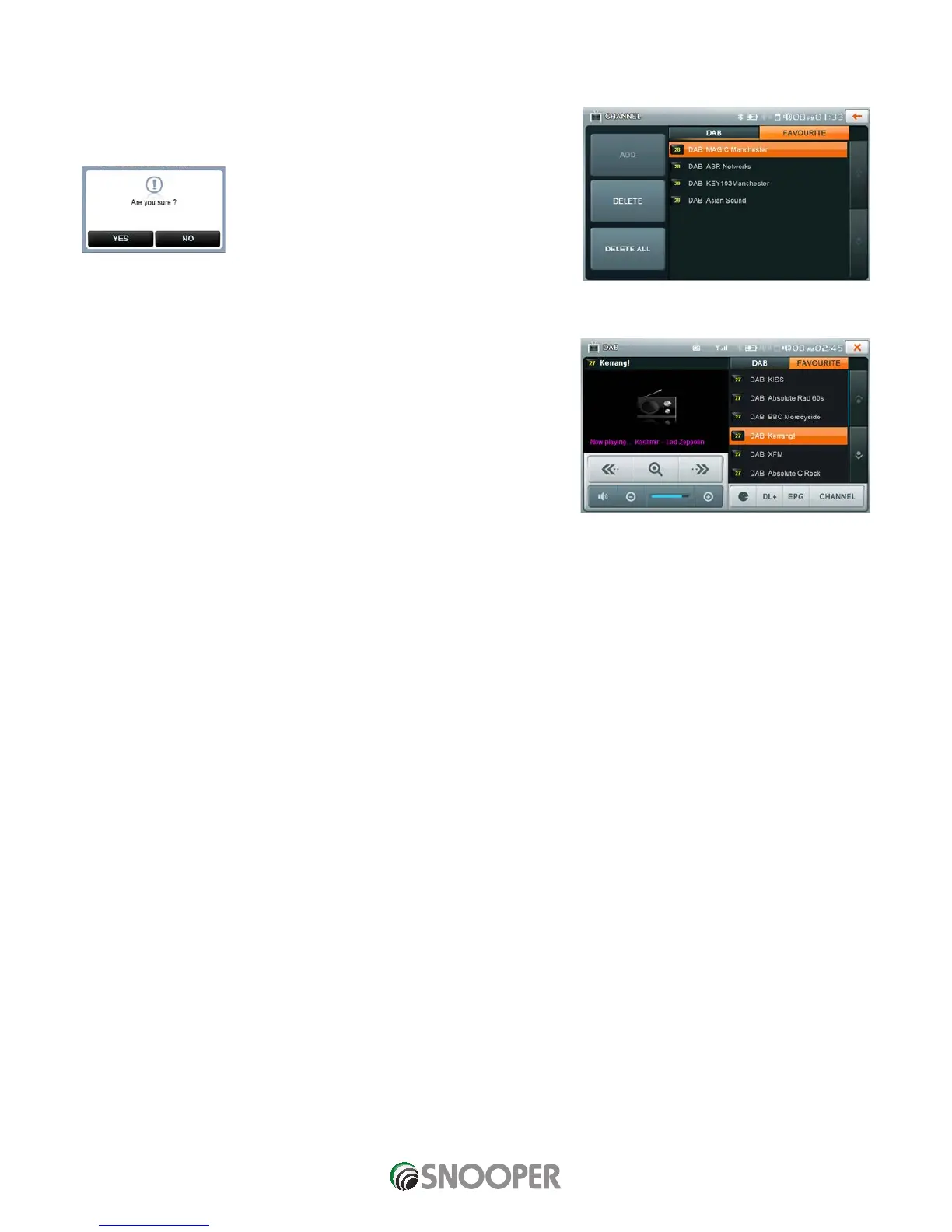
To view or edit the list of stations stored in favorites press CHANNEL then FAVOURITE.
To delete individual stations, highlight the station the press DELTE
To delete ALL of the stored stations press DELTE ALL press OK to confirm
the deletion or No to cancel
To listen to a ‘favourite’ digital station.
On the DAB main menu press FAVOURITE then select the station
from the list by pressing the station name
Favourite screen












 To Next Page