Upper Controls
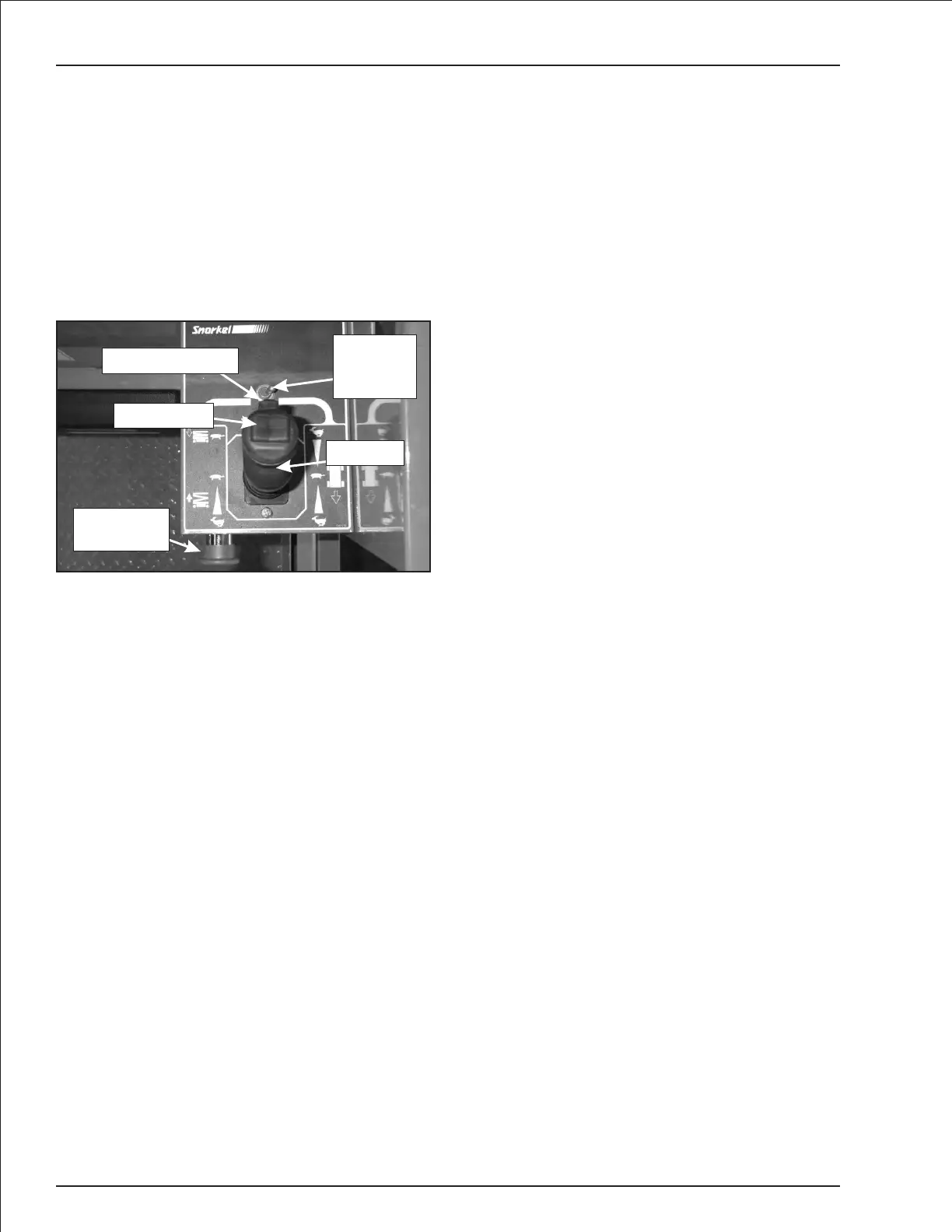
The upper controls (refer to Figure 7.3) are located on
the control box at the platform. The following controls
are located at the upper control station.
●
Emergency stop button
●
Drive/lift selector switch
●
Joystick to control platform lift, drive and steer
The optional horn button and battery conditionindicator
gaugemayalsobelocatedatthe upper control station.
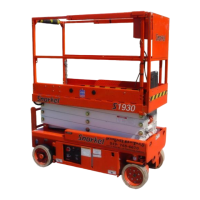
Figure 7.3—Upper Controls
Emergency Stop Button
The emergency stop is a two-position red push button
on the front of the upper control box.Push the button in
to disconnect power to all control circuits at the upper
controls. Pull the button out to restore power.
Note
The lower controls override the upper controls. If the
upper control emergency stop is engaged the lower
controlscanstillbeusedtooperatetheaerialplatform.
Push the button in when the upper controls are not in
use to help protect against unintentional platform oper-
ation.
Drive/Lift Selector Switch
Place the drive/lift selector switch in the driveposition to
drive the aerial platform using the joystick.The platform
will not raise or lower while driving.
Place the drive/lift selector switch in the lift position to
raise and lower the platform using the joystick.
Joystick
Use the joystick (refer to Figure 7.3) to operate the fol-
lowing functions.
●
Aerial platform steering
●
Aerial platform drive and speed
●
Platform raise/lower and speed
Movement of the joystick in agiven direction produces a
corresponding movement of the aerial platform. The
steering and drive functions may be operated sepa-
rately or simultaneously.
Interlock
The joystick has an interlock switch in the handle. En-
gage the interlock by grasping the joystick and pulling
the switch toward the handle. Engage the interlock to
activate the steering, drive, or lift functions.
Steer Switch
The steer switch is a momentary contact, rocker switch
on top of the joystick. This switch controls the two front
wheels to steer the aerial platform.
To steer to the right, engage the interlock on the joystick
and hold down theright sideof the steer switch.To steer
to the left, engage the interlock on the joystick and hold
down the left side of the steer switch.
Note
The steering wheels are not self-centering. Set the
steering wheels straightaheadaftercompletingaturn.
Horn Button
The optional horn button is on the left side of the upper
control box. Press the button to sound the horn.
Battery Condition Indicator
The optional battery condition indicator gauge is on the
top of the upper control box. It indicates the level of
available battery power to operate the aerial platform.
7-2 S1930 – 0361266
Chapter 7. Controls
Emergency
Stop Button
Interlock Switch
Steer Switch
Joystick
Drive/Lift
Selector
Switch


 To Next Page