IV
. SETTING MODES AND FUNCTIONS :
For entering into the system setting mode, first press #, then press
system password and press # subsequently to enter into system
setting mode. By pressing # XXXX # (X X X X representing 4 digits
system password). After entering into system setting mode, the
STATUS light (yellow light) on the panel will be turned on. On the
display panel, it will shows:
Proximity Reader has been commenced to wait for user to enter
functional selection. If user does not key in any enter in 20 seconds,
the proximity Reader will automatically terminate the system setting
mode function.
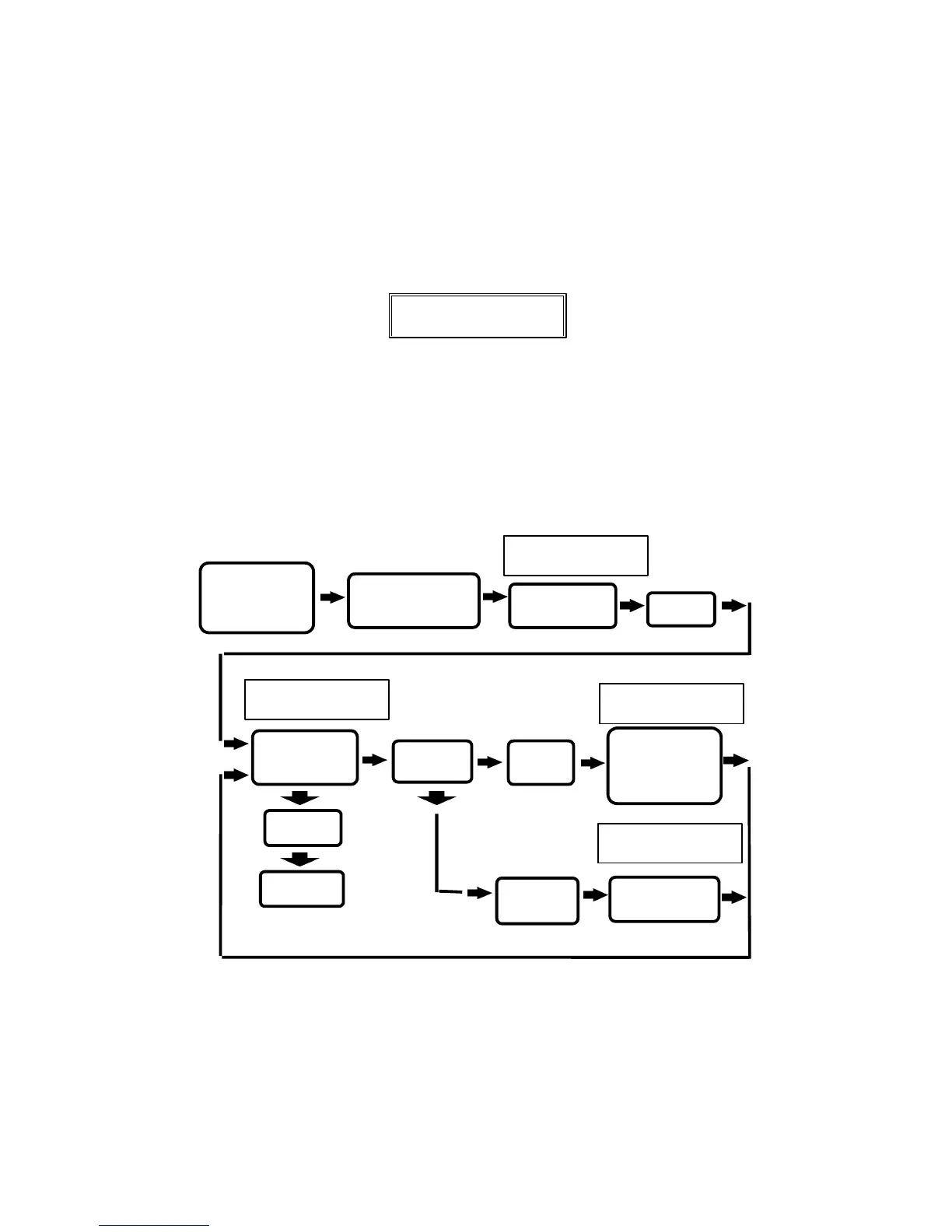
1. Add one card :
To register user’s card and utilize proximity to
register.
In the above operation, if “
*
” is being activated, the card rgistration
activities will be terminated.


 To Next Page