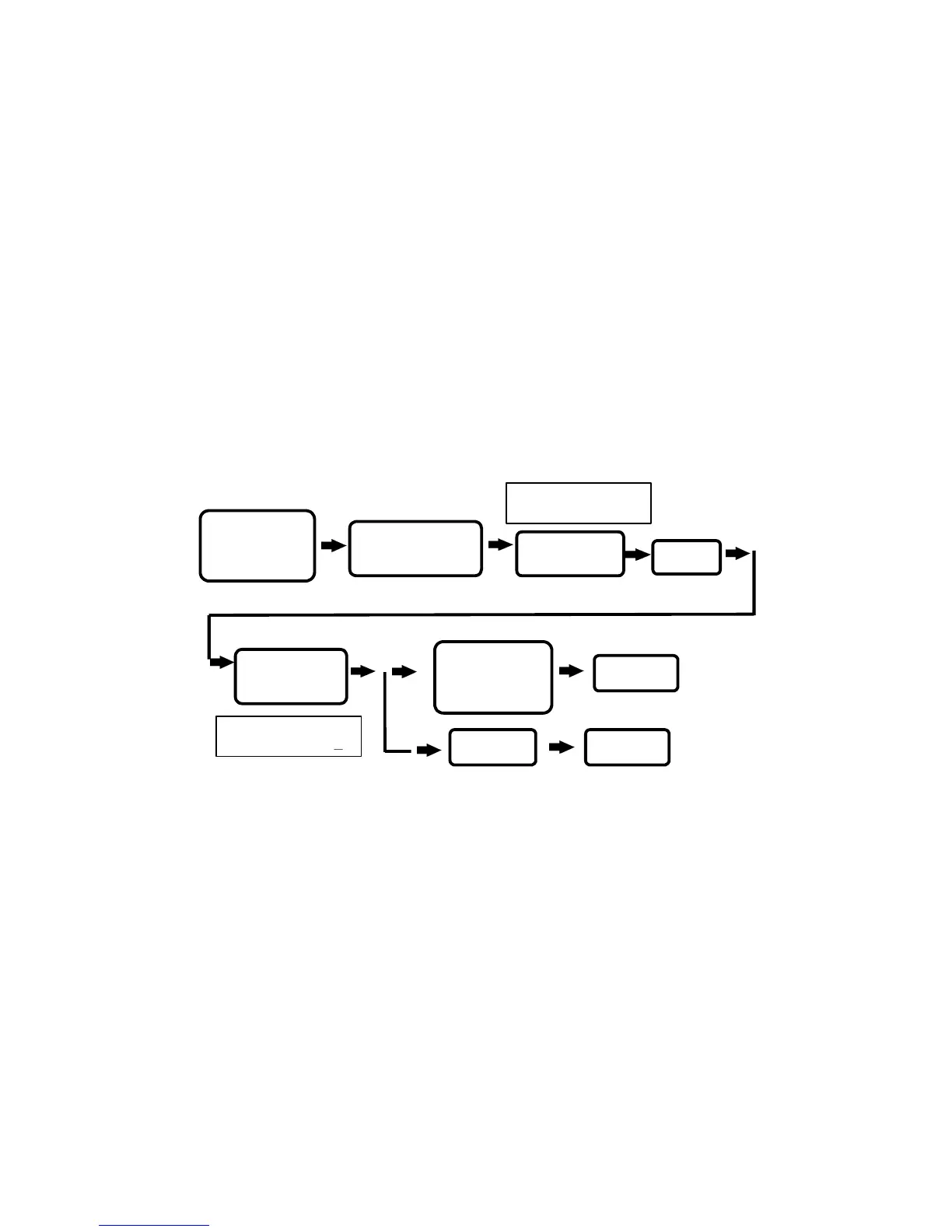
5. Setting identification modes :
There are four sets of door opening
modes in the reader unit. But, it can only use one of them for
setting the identification mode depending on the individual user’s
reader. In normal circumstances when this system is produced, the
opening setting is set to card proximity.
(1) Open door based on 4-digits password (There are a total of 8
sets of door opening passwords), mode number is 1.
(2) Card proximity door opening, that is door will open when the
card is sensed, mode number is 2.
(3) Card proximity plus press 4-digits password door opening,
mode number is 3.
(4) Proximity card or press 4-digits password door opening, mode
number is 4.
P. 7
IDENTIFICATION
MODES(1-4):X
PRESS 5
ENTER
“
#
” SYSTEM
PASSWORD “
#
”
STATUS LIGHT ON
WITH A BEEP SOUND
SYSTEM FUNCTIONS
SELECTION:
WILL BE SHOWN
ON SCREEN
WILL BE SHOWN
ON SCREEN
PRESS *
TERMINATE
TERMINATE
ENTER DOOR
OPENING MODE
( 1 - 4 )


 To Next Page