CHAPTER 3: SETUP FOR WINDOWS PC 31
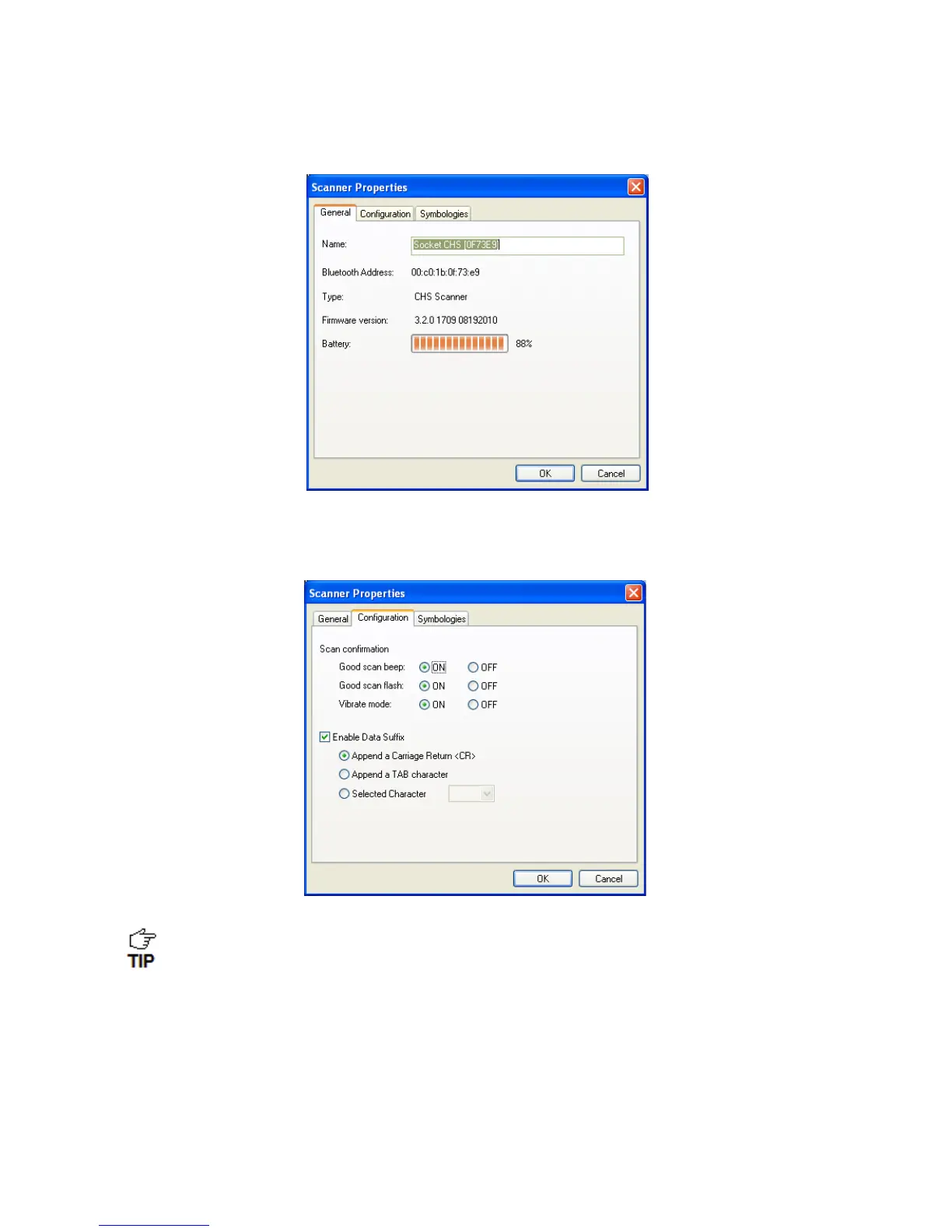
6. The General properties screen will appear, reporting the Bluetooth friendly name, Bluetooth
Device Address, Type of device, firmware version, and battery level. If desired, change the
Bluetooth friendly name of the CHS.
7. Click on the Configuration tab. If desired, modify how the CHS confirms a good scan
and/or select a specific suffix to automatically add to each instance of scanned data.
Vibrate mode can only be enabled for the CHS 7Ci, or 7P.















 To Next Page