Socket User Manual (V 1.2) 2017/11/06
37
MSI
Enable/Disable MSI (0Bh)
R : 00 00 05 C7 04 00 0B S1 S2
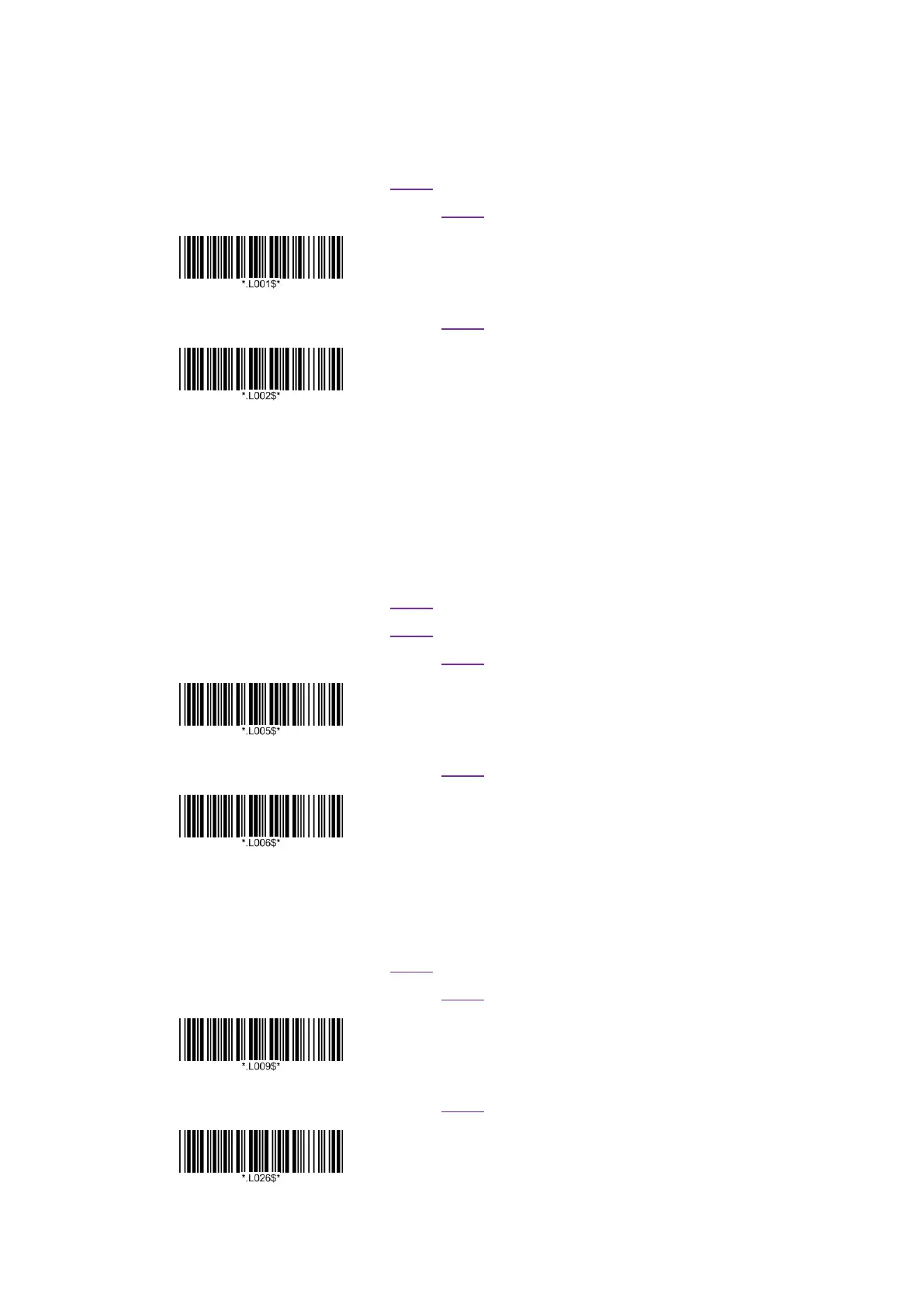
W : 00 00 07 C6 04 00 FF 0B 01 S1 S2
Enable MSI
W : 00 00 07 C6 04 00 FF 0B 00 S1 S2
*Disable MSI
Set Lengths for MSI (1Eh & 1Fh)
One Discrete Length : Length 1 = value , Length 2 = 0.
Two Discrete Lengths : Length 1 > Length 2.
Length Within Range : Length 2 > Length 1.
Any Length : Length 1 = 0, Length 2 = 0.
R : 00 00 05 C7 04 00 1E S1 S2
R : 00 00 05 C7 04 00 1F S1 S2
W : 00 00 07 C6 04 00 FF 1E 06 S1 S2
Length 1
W : 00 00 07 C6 04 00 FF 1F 37 S1 S2
Length 2
Triple Setting , input 2 digits , Range : 00~55.
MSI Check Digit (32h)
R : 00 00 05 C7 04 00 32 S1 S2
W : 00 00 07 C6 04 00 FF 32 00 S1 S2
*One MSI Check Digit
W : 00 00 07 C6 04 00 FF 32 01 S1 S2
Two MSI Check Digit















 To Next Page