Socket User Manual (V 1.2) 2017/11/06
39
Enable/Disable GS1 DataBar Limited (F0h 53h)
R : 00 00 06 C7 04 00 F0 53 S1 S2
W : 00 00 08 C6 04 00 FF F0 53 01 S1 S2
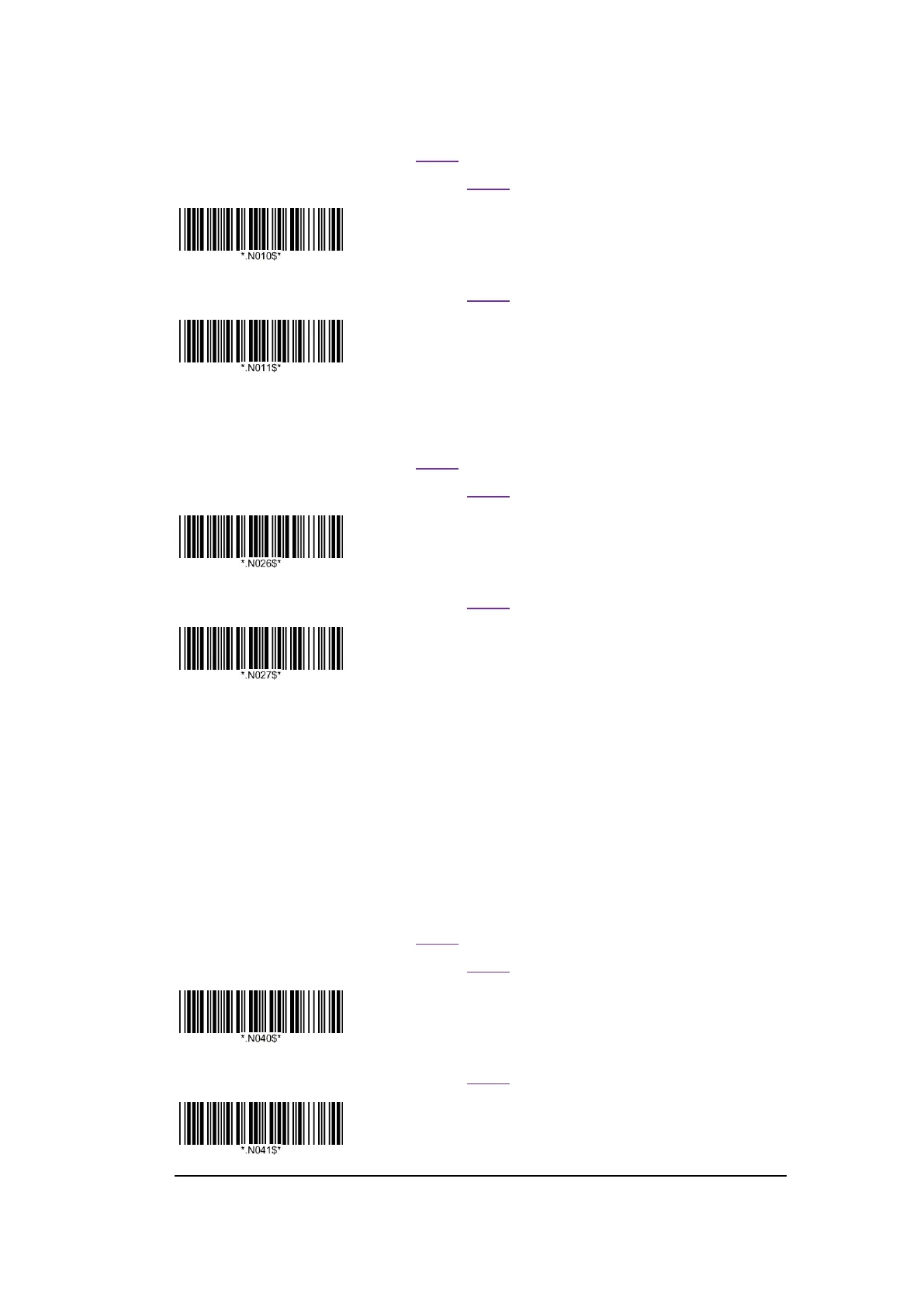
* Enable GS1 DataBar Limited
W : 00 00 08 C6 04 00 FF F0 53 00 S1 S2
Disable GS1 DataBar Limited
Enable/Disable GS1 DataBar Expanded (F0h 54h)
R : 00 00 06 C7 04 00 F0 54 S1 S2
W : 00 00 08 C6 04 00 FF F0 54 01 S1 S2
*Enable GS1 DataBar Expanded
W : 00 00 08 C6 04 00 FF F0 54 00 S1 S2
Disable GS1 DataBar Expanded
Convert GS1 DataBar to UPC/EAN (F0h 8Dh)
This parameter only applies to GS1 DataBar Omnidirectional and GS1 DataBar Limited symbols. When this
conversion is enabled, GS1 DataBar Omnidirectional and GS1 DataBar Limited symbols encoding a single
zero as the first digit have the leading '010' stripped and the bar code reported as EAN-13.
Bar codes beginning with two or more zeros but not six zeros have the leading '0100' stripped and the bar code
reported as UPC-A. The UPC-A Preamble parameter to transmit the system character and country code
applies to converted bar codes. Note that neither the system character nor the check digit can be stripped.
R : 00 00 06 C7 04 00 F0 8D S1 S2
W : 00 00 08 C6 04 00 FF F0 8D 01 S1 S2
Enable Convert GS1 DataBar to UPC/EAN
W : 00 00 08 C6 04 00 FF F0 8D 00 S1 S2
*Disable Convert GS1 DataBar to UPC/EAN















 To Next Page