-57-
F3: Access to Flicker submenu.
F4: Access to Dips&Swells submenu.
F5: Access to Unbalance and Frequency submenu.
6. Basic Operations and Functions
6.1 Tilt Stand and Hang Strap
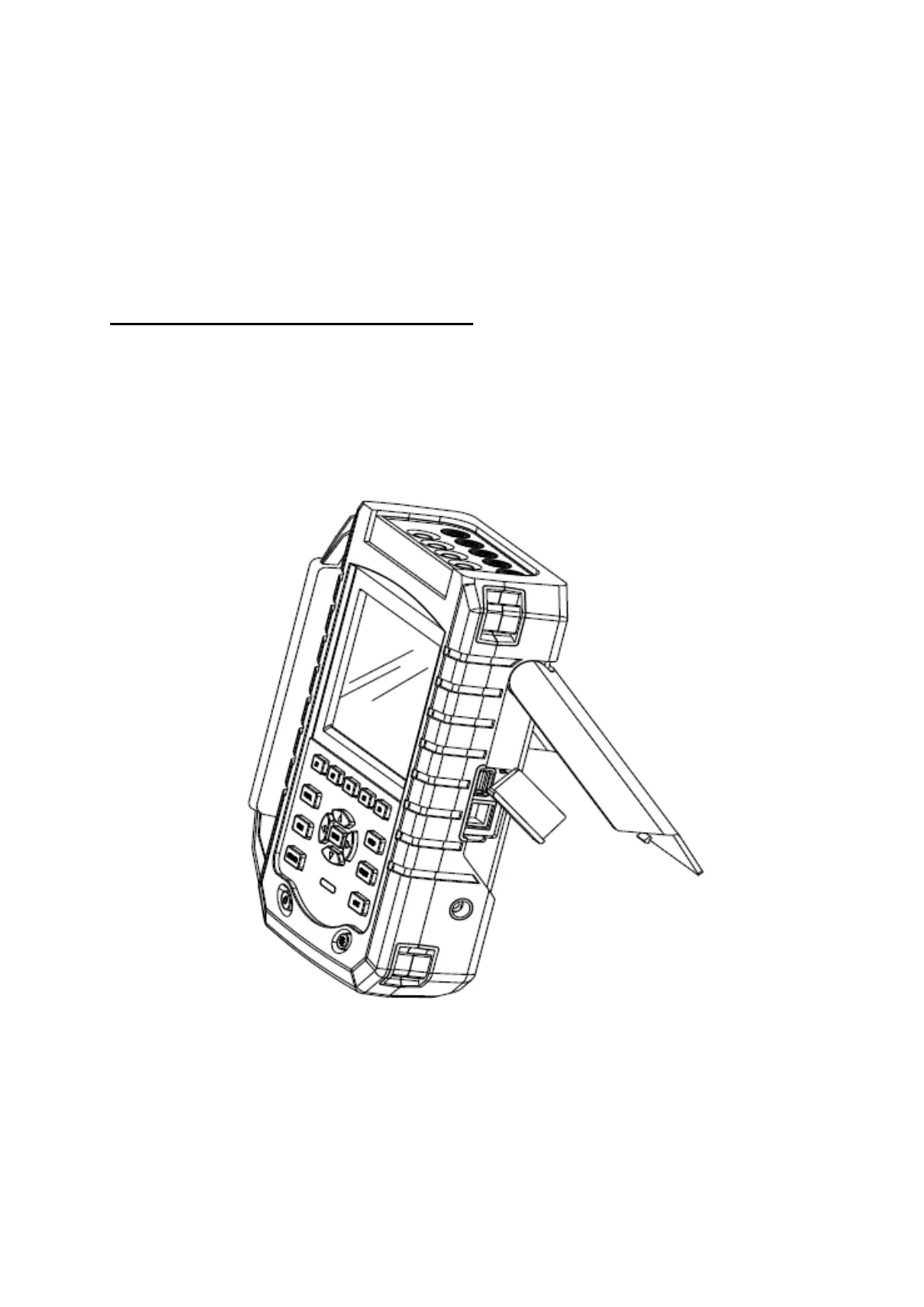
The Analyzer has a tilt stand that allows viewing the screen at an angle when placed
on a flat surface. With the tilt stand folded out, the USB Host port and LAN interfaces
can be accessed as shown in the figure.
Picture: Tilt stand and locations of interfaces









 To Next Page