34 EN
DIRIS Digiware D-50 & D-70 - 548088B - SOCOMEC
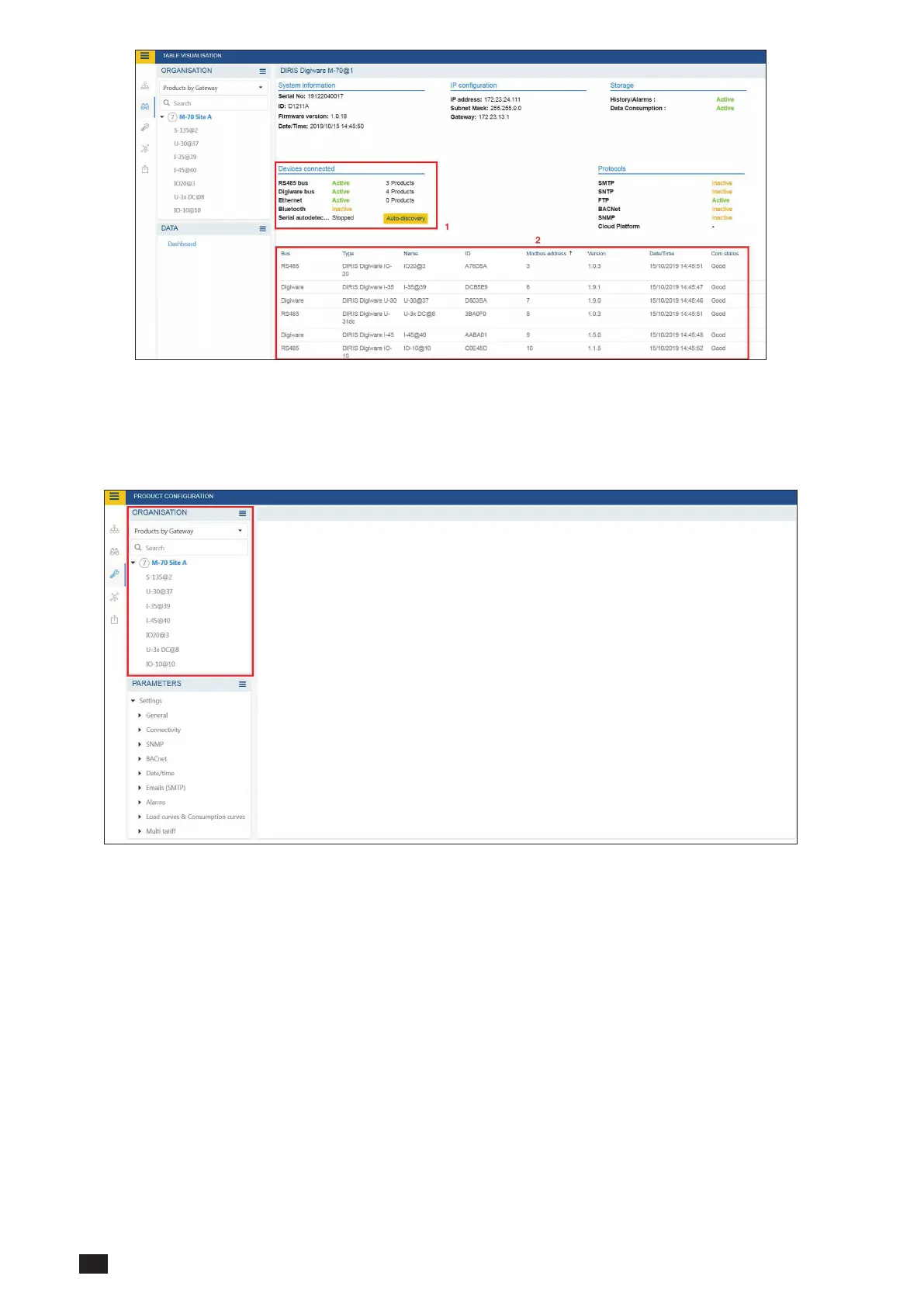
- Once the slave auto-discovery process is nished, slave devices will be displayed in the lower part of the
dashboard menu (2). The number of devices accessible downstream the D-50/D-70 display is also displayed in
the “Organisation” part, next to the D-50/D-70 display.
- Conguration of slave devices can be done directly by clicking on the Wrench icon on the left side bar and
selecting the right device:



 To Next Page